What is Interactive Voice Response (IVR)?
The Complete Guide to IVR Telephone Systems


Choose a Professional Voice Over Artist for Your Recording
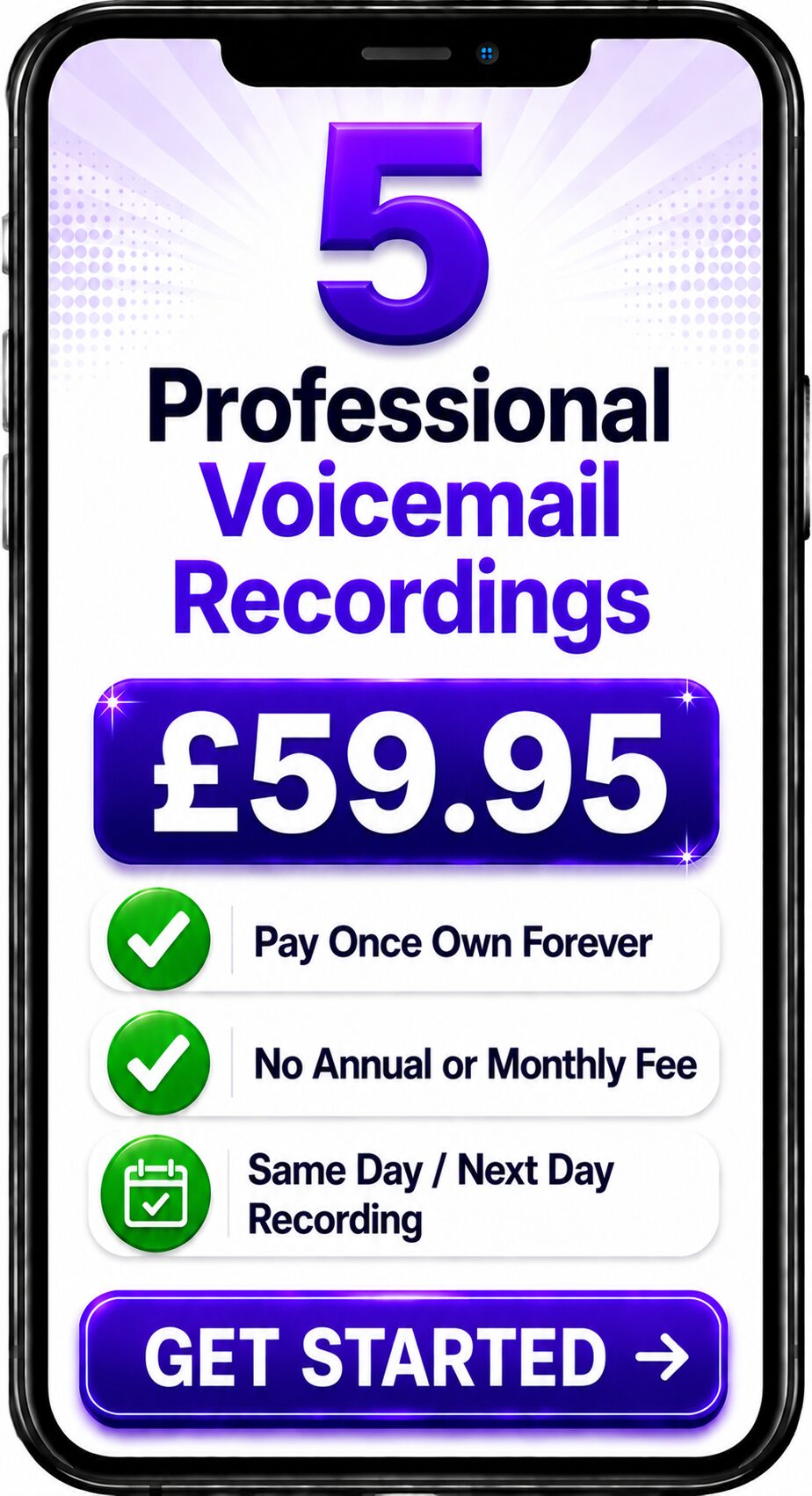
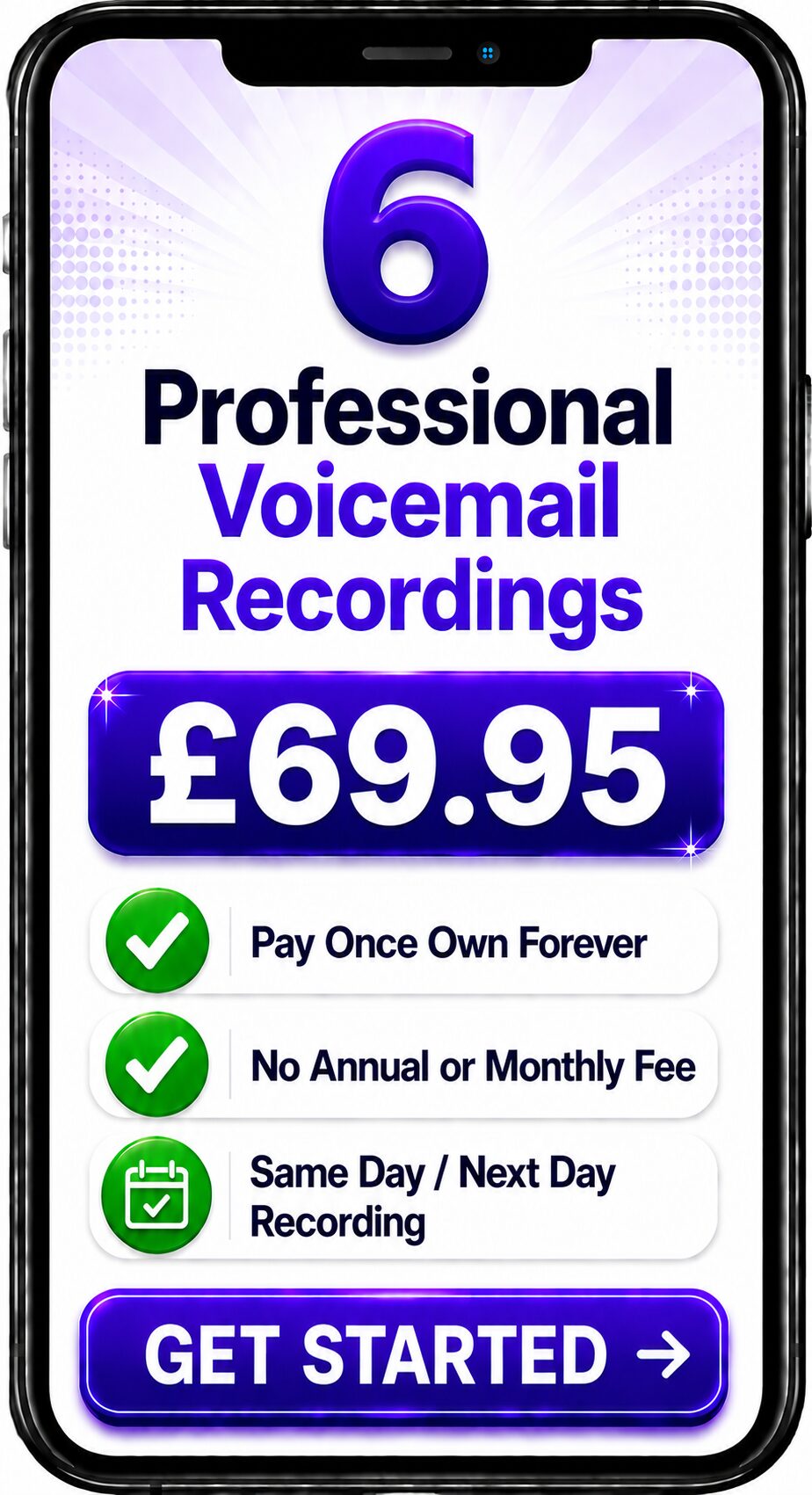
Choose Number of Recordings
Choose a Professional Voice Over


Spencer
Same Day / Next Day

Melanie
24 Hours / 48 Hours

Gemma
24 Hours / 48 Hours

Bethany
24 Hours / 48 Hours

Emily
24 Hours / 48 Hours
Spencer
Same Day / Next Day
The Complete Guide to IVR Telephone Systems
Quick Answer
Interactive Voice Response (IVR) is an automated telephone system that answers incoming calls, plays recorded voice prompts and allows callers to navigate a menu using their telephone keypad or voice commands. Businesses use IVR systems to direct callers to the correct department, provide information automatically and create a faster, more efficient customer experience.
About This Guide
This guide has been written by Spencer Cork, a professional British voice over artist with more than 30 years of experience recording IVR prompts, telephone greetings and business voicemail messages for organisations throughout the UK and internationally.
Drawing on decades of studio experience, this guide explains what IVR is, how it works, why businesses use it and how professionally recorded voice prompts can significantly improve the caller experience.
What Does IVR Mean?
IVR stands for Interactive Voice Response.
It is a technology that automatically answers telephone calls and presents callers with a series of options.
A typical example might sound like this:
"Thank you for calling. Press 1 for Sales, Press 2 for Customer Support, Press 3 for Accounts."
The caller selects the appropriate option and the telephone system routes the call to the correct department.
Many modern IVR systems also support voice recognition, allowing callers to speak their choice instead of pressing a number.
How Does an IVR System Work?
An IVR system follows a straightforward process:
- A customer calls your business.
- The IVR answers the call automatically.
- A professionally recorded greeting welcomes the caller.
- The system presents a menu of options.
- The caller makes a selection.
- The system routes the call to the correct destination.
This process reduces unnecessary transfers and helps callers reach the right person more quickly.
Why Do Businesses Use IVR?
Businesses of all sizes use IVR because it creates a more organised and professional telephone experience.
Key benefits include:
- Faster call routing.
- Reduced pressure on reception staff.
- Consistent customer service.
- Improved efficiency during busy periods.
- Professional first impressions.
- Better management of high call volumes.
- Information available outside normal office hours.
Whether you're a small business or a national organisation, an IVR system can help ensure every caller is greeted consistently.
The Difference Between IVR and an Auto Attendant
Although the terms are often used interchangeably, they are not exactly the same.
An Auto Attendant is primarily designed to answer calls and route them to the correct department.
An IVR system can perform additional functions such as:
- collecting information from callers
- recognising spoken responses
- providing account information
- integrating with customer databases
- offering self-service options
Think of an Auto Attendant as the front door, while an IVR system can provide a much richer interactive experience.
Why Professional Voice Recordings Matter
The technology behind an IVR system is important, but the recordings callers hear are equally significant.
Poor-quality recordings, inconsistent tone or unclear instructions can create frustration and damage a company's professional image.
Professionally recorded IVR prompts help to:
- create a positive first impression
- improve clarity
- reinforce your brand
- make navigation easier
- build confidence in your business
A calm, confident and well-paced voice encourages callers to stay engaged with the menu and reach the correct destination quickly.
Spencer's Professional Insight
During more than three decades of recording business telephone systems, one of the most common issues I've encountered is businesses trying to include too many menu options.
In most cases, callers want to reach the right department as quickly as possible.
A concise menu with clear wording and professional delivery usually provides a much better customer experience than a lengthy list of options.
Simple, well-structured menus are easier to understand, reduce confusion and project a more organised image of your business.
Industries That Commonly Use IVR
Interactive Voice Response systems are widely used across many sectors, including:
- Healthcare
- Dental practices
- Veterinary clinics
- Hotels
- Estate agents
- Solicitors
- Financial services
- Recruitment agencies
- Retail businesses
- Educational organisations
- Manufacturing companies
- Local authorities
Any organisation receiving regular customer calls can benefit from an effective IVR system.
Best Practice Tips
If you're planning an IVR menu, consider these recommendations:
- Keep the main menu short and simple.
- Use clear, natural language.
- Avoid unnecessary jargon.
- Prioritise the options customers use most often.
- Maintain a consistent voice throughout the system.
- Review and update recordings whenever your business changes.
- Test your menu regularly to ensure it remains easy to use.
Frequently Asked Questions
What does IVR stand for?
IVR stands for Interactive Voice Response.
Is IVR only for large businesses?
No. Businesses of all sizes use IVR systems to improve call handling and customer service.
Can IVR use a real human voice?
Yes. Many businesses choose professionally recorded human voices because they sound more natural, engaging and trustworthy.
Can an IVR system work outside office hours?
Yes. IVR systems can provide information, route calls and play messages even when your office is closed.
How often should IVR recordings be updated?
Recordings should be reviewed whenever departments, services or contact details change, and at least once a year to ensure they remain accurate.
Related Guides
Continue learning with these guides:
- What is an Auto Attendant?
- What is VoIP?
- What is Cloud Telephony?
- What is a Hosted PBX?
- Business Voicemail Guide
- Telephone Greeting Scripts
- Voice Branding
Need Professional IVR Recordings?
Technology can route your calls, but the voice your customers hear creates the first impression of your business.
If you're setting up a new IVR system or updating an existing one, professionally recorded voice prompts can help you deliver a clearer, more consistent and more professional customer experience.
Contact the Team
Get a Fast Answer to Your Question
How To Order
Voicemail Recordings Video Guide