What is Cloud Telephony?
The Complete Guide to Cloud-Based Business Phone Systems


Choose a Professional Voice Over Artist for Your Recording
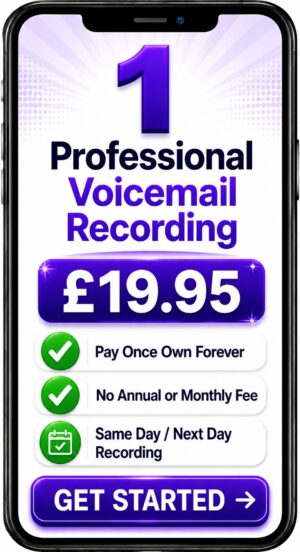
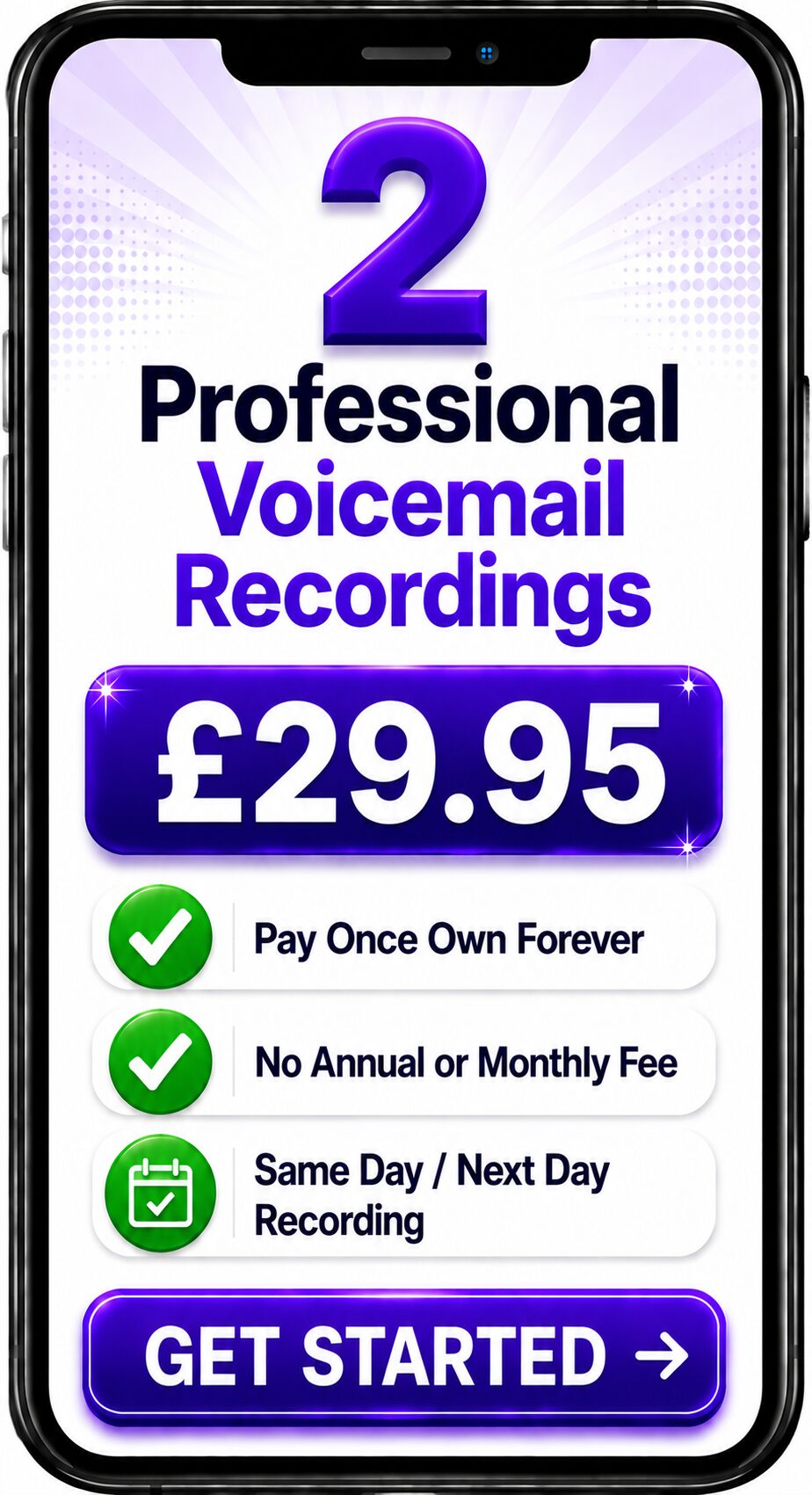
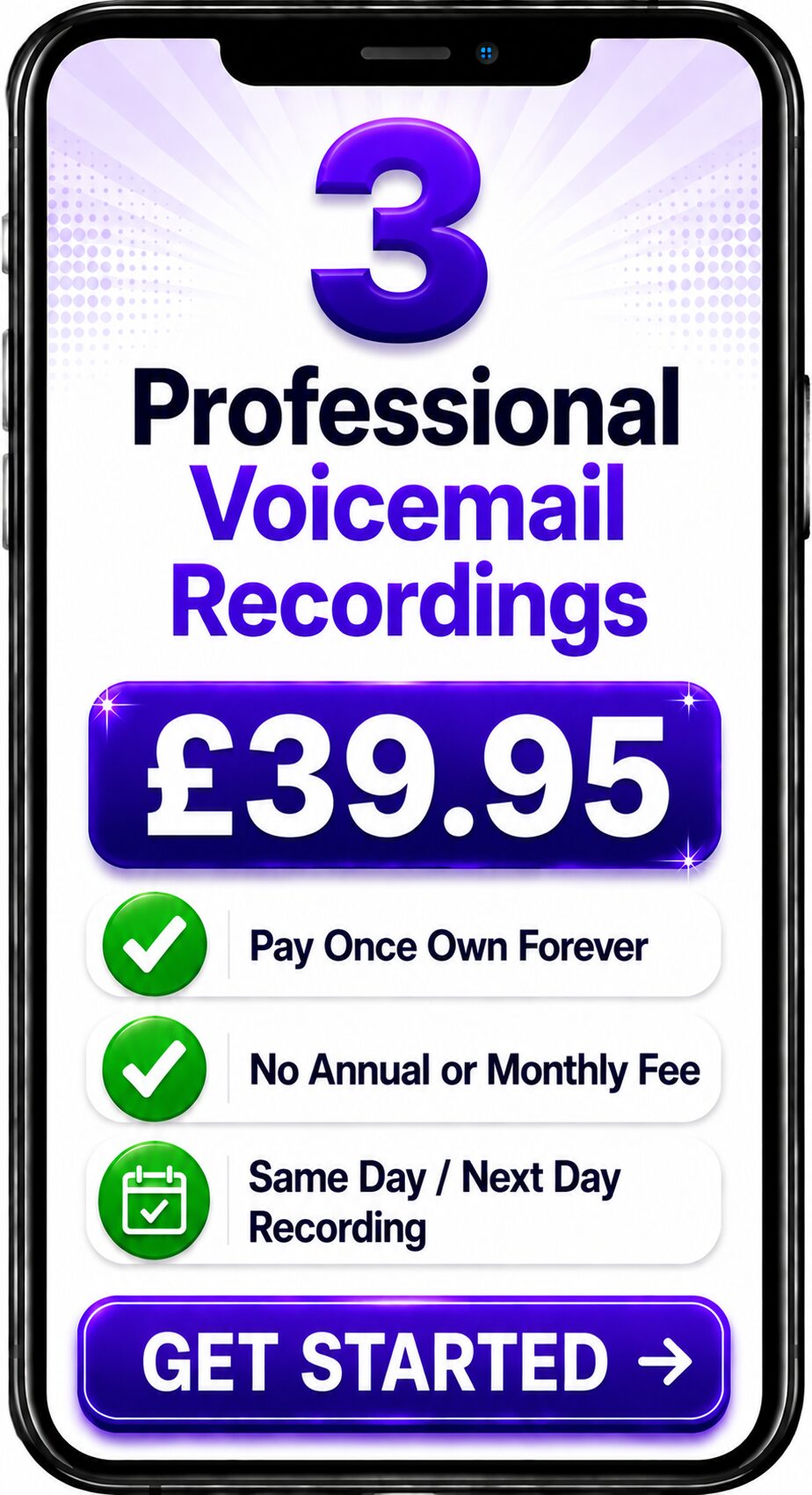
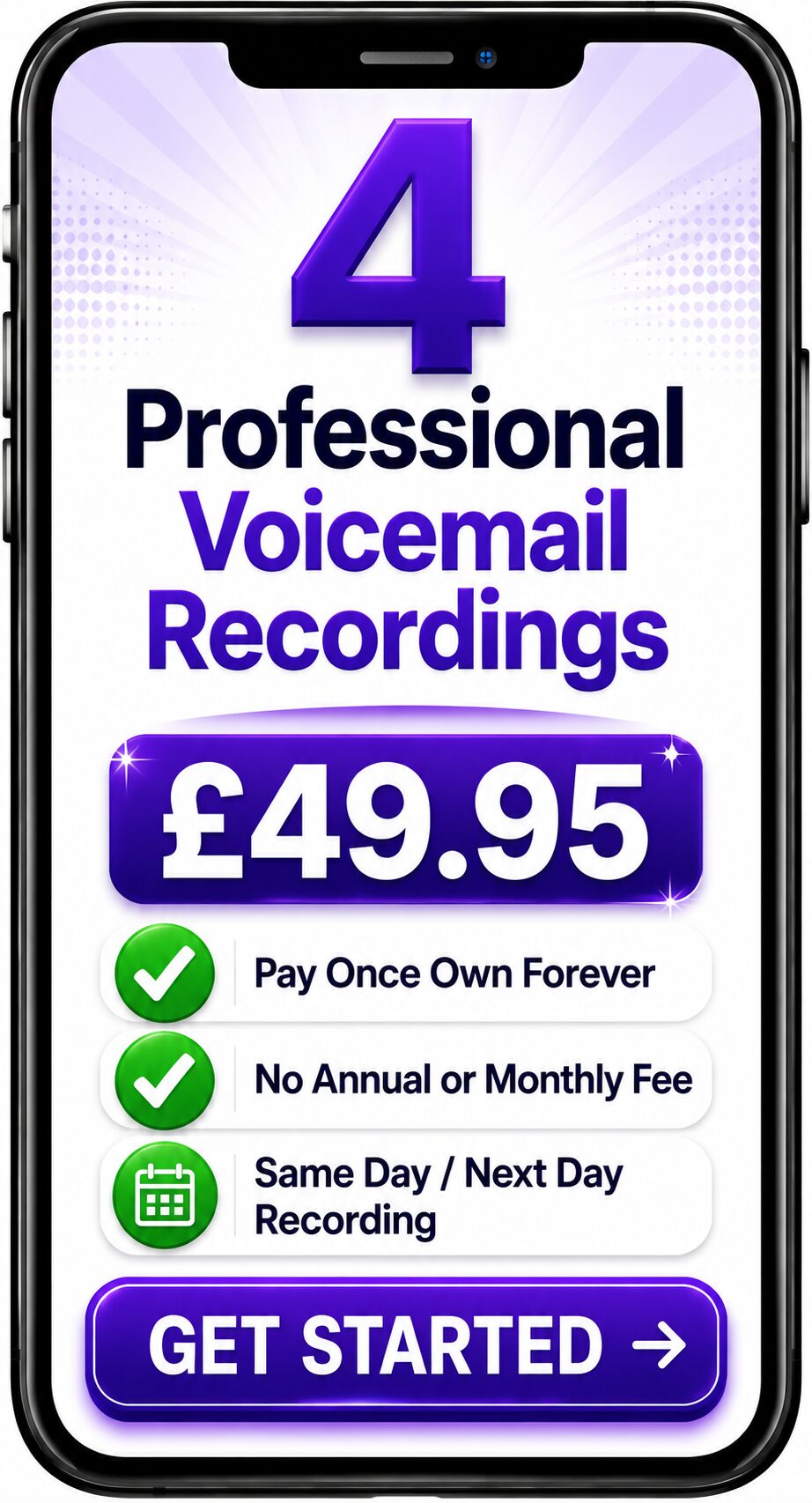
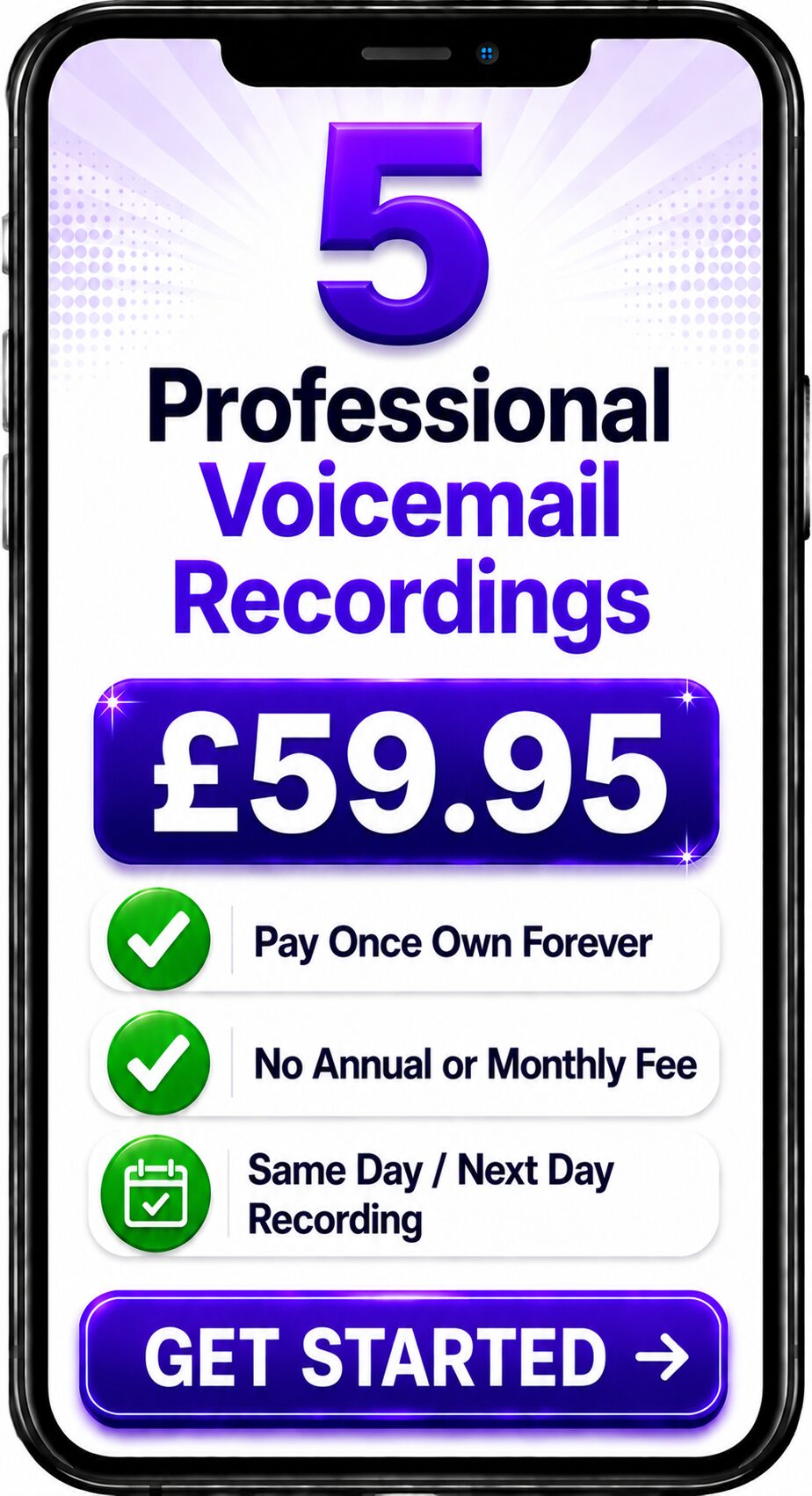
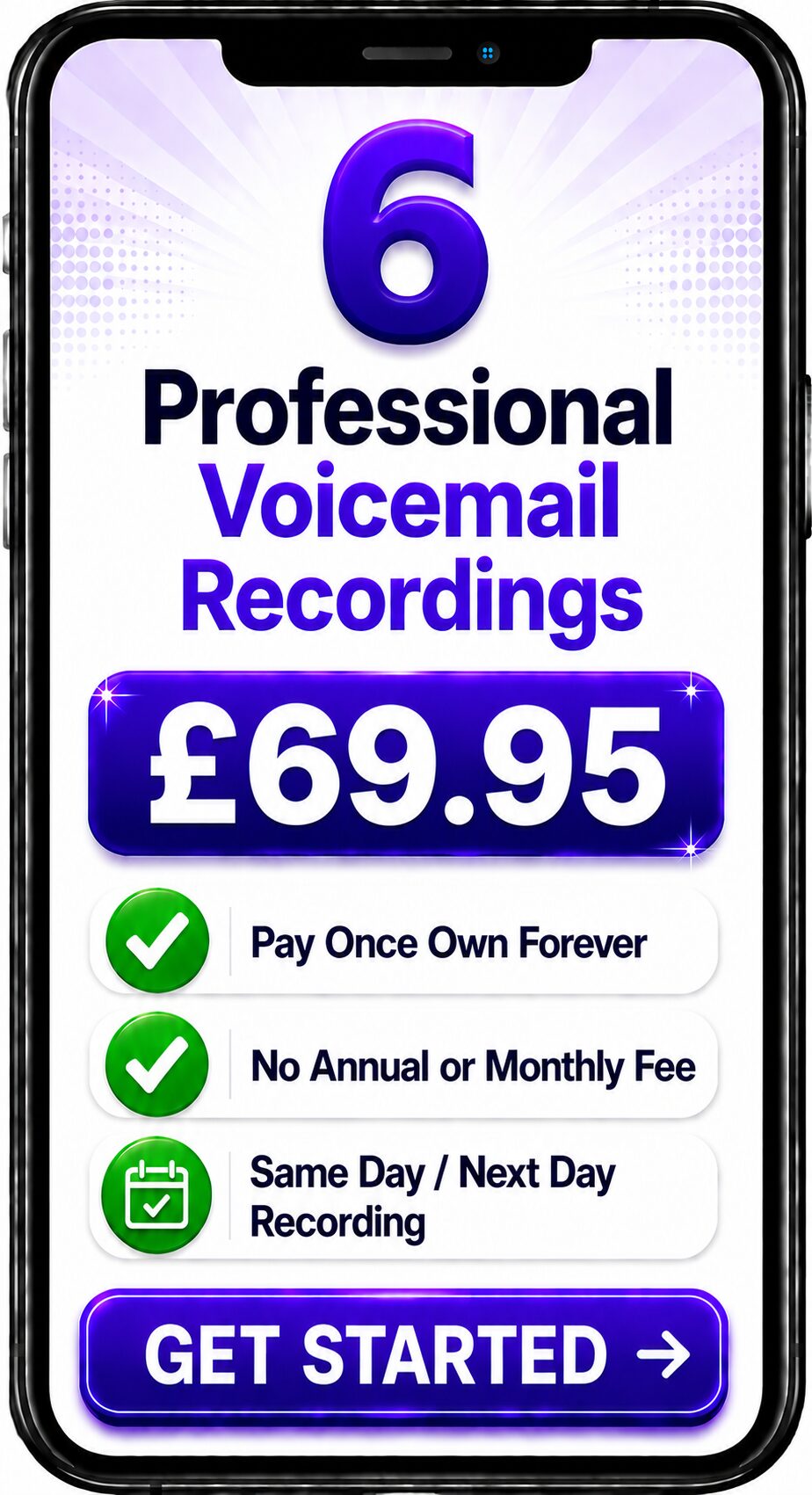
Choose Number of Recordings
Choose a Professional Voice Over


Spencer
Same Day / Next Day

Melanie
24 Hours / 48 Hours

Gemma
24 Hours / 48 Hours

Bethany
24 Hours / 48 Hours

Emily
24 Hours / 48 Hours
Spencer
Same Day / Next Day
The Complete Guide to Cloud-Based Business Phone Systems
Quick Answer
Cloud Telephony is a business telephone system that operates over the internet rather than relying on traditional on-site telephone equipment. Instead of housing a physical PBX in your office, the telephone platform is securely hosted in the cloud, allowing businesses to make and receive calls from virtually anywhere while benefiting from advanced features such as Auto Attendants, IVR, call queues, voicemail-to-email and remote working.
About This Guide
This guide has been written by Spencer Cork, a professional British voice over artist with more than 30 years of experience recording business telephone greetings, IVR prompts, voicemail messages and call queue announcements for organisations using modern cloud telephone systems.
Drawing upon practical experience of how callers interact with telephone systems every day, this guide explains what Cloud Telephony is, how it works and why professionally recorded voice prompts remain an essential part of delivering an outstanding customer experience.
What is Cloud Telephony?
Cloud Telephony is a telephone system where the software, infrastructure and call management platform are hosted securely in professional data centres rather than within your own office.
Instead of maintaining expensive telephone equipment on-site, businesses access the telephone system using an internet connection.
Employees can answer calls from desk phones, computers, mobile devices or dedicated VoIP handsets while using the same business telephone number.
To customers, nothing changes.
They simply call your business as normal.
Behind the scenes, however, the technology provides significantly greater flexibility than traditional telephone systems.
How Does Cloud Telephony Work?
When someone telephones your business:
- The call reaches your cloud telephone provider.
- The platform answers or routes the call according to your business rules.
- Callers hear professionally recorded greetings or IVR menus.
- The system transfers the call to the appropriate user or department.
- Staff answer using desk phones, mobile phones or computer applications.
Everything is managed centrally through the cloud, allowing changes to be made quickly without replacing physical equipment.
Why Businesses Choose Cloud Telephony
Cloud Telephony has become the preferred choice for organisations of every size because it offers flexibility, scalability and powerful communications features.
Key advantages include:
- reduced hardware costs
- simple expansion as businesses grow
- support for hybrid and remote working
- business continuity during office closures
- centralised management
- advanced reporting
- regular software updates
- improved flexibility for multiple office locations
Many organisations can implement enterprise-level communication features without investing in complex on-site systems.
Typical Features
Most Cloud Telephony platforms include:
- Auto Attendants
- Interactive Voice Response (IVR)
- Business Voicemail
- Voicemail-to-email
- Call Queue Messages
- Music On Hold
- Call Recording
- Hunt Groups
- Ring Groups
- Mobile Apps
- Video Meetings
- CRM Integration
- Call Analytics
These features allow businesses to provide a professional customer experience regardless of where employees are working.
Cloud Telephony vs Traditional Phone Systems
Traditional business telephone systems generally require physical PBX equipment installed within the office.
Cloud Telephony removes this requirement by hosting the platform remotely.
This means:
- fewer hardware costs
- easier maintenance
- quicker upgrades
- greater flexibility
- simplified disaster recovery
- easier remote working
For many businesses, Cloud Telephony offers a more adaptable long-term solution.
Cloud Telephony vs Hosted PBX
The terms Cloud Telephony and Hosted PBX are often used interchangeably.
In practice, Hosted PBX is one form of Cloud Telephony.
Cloud Telephony is the broader concept of delivering business communications from cloud infrastructure, while Hosted PBX usually refers specifically to a hosted private branch exchange.
Many providers use the two terms differently, which can sometimes cause confusion.
Why Professional Voice Recordings Matter
Cloud technology determines how calls are managed.
Professional voice recordings determine how your business sounds.
Every greeting, voicemail message and IVR prompt contributes to the customer's perception of your organisation.
Professionally recorded messages help create:
- confidence
- clarity
- consistency
- accessibility
- professional branding
- improved caller experience
Regardless of how advanced the technology becomes, the quality of communication remains equally important.
Spencer's Professional Insight
One of the biggest advantages of Cloud Telephony is that businesses can update their recordings much more easily than older telephone systems.
That flexibility should be used to keep greetings current.
Businesses often change departments, opening hours or services without updating the recordings callers hear.
Keeping voice prompts accurate is one of the simplest ways to improve the customer experience while reinforcing a professional image.
Who Uses Cloud Telephony?
Cloud Telephony is now widely used by:
- healthcare organisations
- dental practices
- hotels
- estate agents
- financial services
- solicitors
- recruitment companies
- educational institutions
- charities
- manufacturers
- retailers
- technology businesses
From small companies with a handful of employees to multinational organisations, cloud-based communications have become the standard approach to business telephony.
Best Practice
To make the most of Cloud Telephony:
- keep greetings concise
- update recordings regularly
- review call flows
- simplify menu options
- maintain consistent branding
- test routing after every system change
- use professionally recorded voice prompts throughout the system
Technology works best when combined with clear communication.
Frequently Asked Questions
What is Cloud Telephony?
Cloud Telephony is a business telephone system hosted over the internet rather than using traditional on-site PBX equipment.
Is Cloud Telephony the same as VoIP?
Not exactly. VoIP is the technology that carries voice calls over the internet, while Cloud Telephony is the broader service that provides complete business telephone functionality using cloud infrastructure.
Can Cloud Telephony support remote working?
Yes. Employees can answer business calls from almost anywhere using internet-connected devices.
Does Cloud Telephony include IVR?
Most Cloud Telephony platforms include Auto Attendants, IVR menus, voicemail, call queues and many other advanced communication features.
Should Cloud Telephony use professional voice recordings?
Yes. Professional recordings help businesses create a consistent, trustworthy and professional caller experience regardless of the telephone platform being used.
Related Guides
Continue exploring the Business Voice Communications Library:
- What is Interactive Voice Response (IVR)?
- What is an Auto Attendant?
- What is VoIP?
- What is a Hosted PBX?
- Business Voicemail Guide
- Call Queue Messages
- Voice Branding
- Telephone Greeting Scripts
Professional Voice Recordings for Cloud Telephone Systems
A modern cloud telephone platform gives your business exceptional flexibility.
Professional greetings, IVR prompts, voicemail messages and call queue announcements ensure the experience your customers hear is every bit as professional as the technology delivering it.
Whether you're implementing a new cloud telephone system or refreshing an existing one, professionally recorded voice prompts help create a confident and consistent first impression.
Contact the Team
Get a Fast Answer to Your Question
How To Order
Voicemail Recordings Video Guide