Submit a Voicemail Script for Professional Recording
No Contracts - No Monthly Fee - No Annual Renewal - No Subscriptions - No AI



Choose a Professional Voice Over Artist for Your Recording
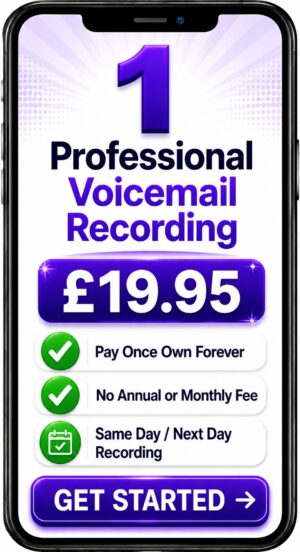
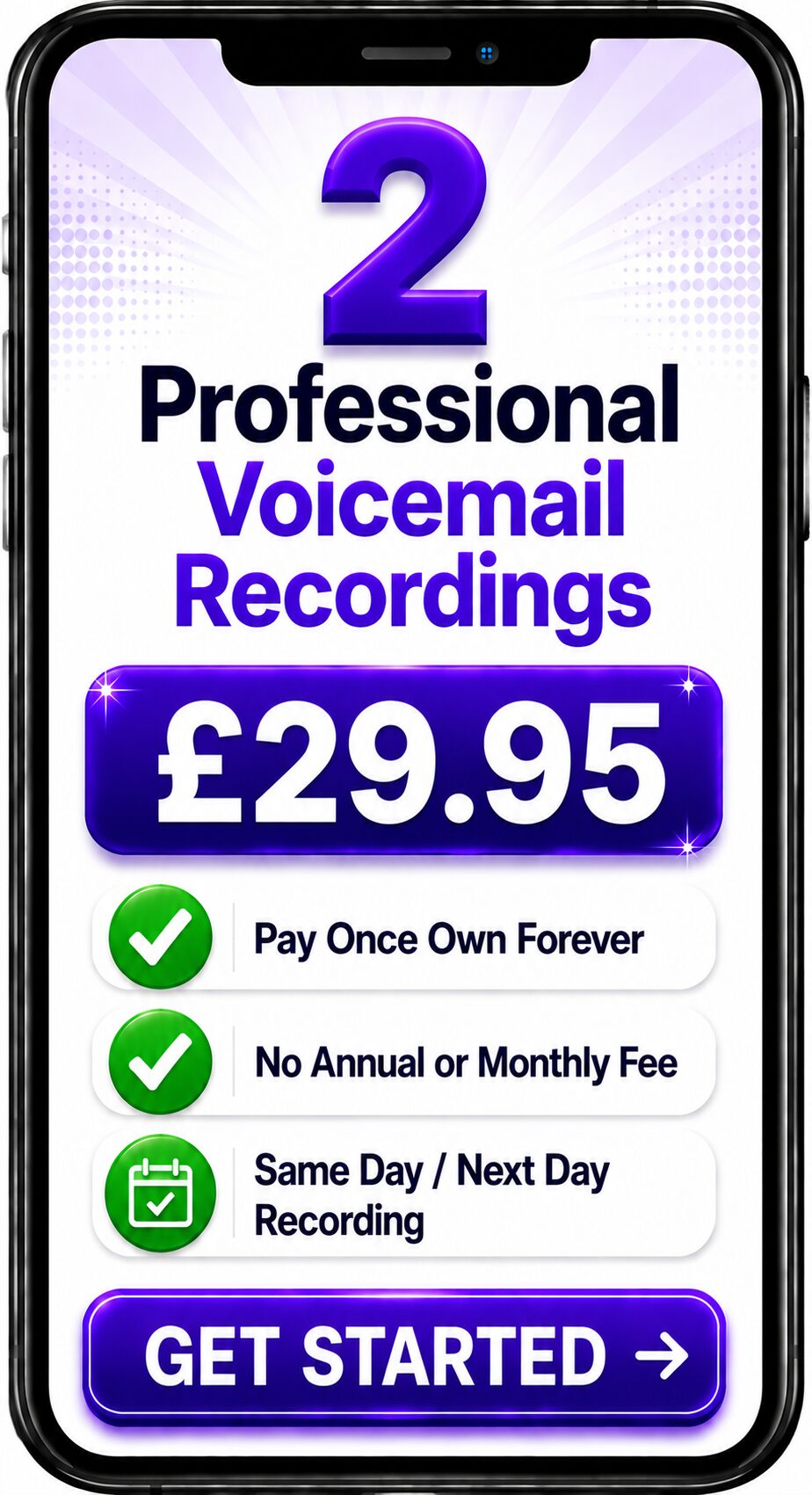
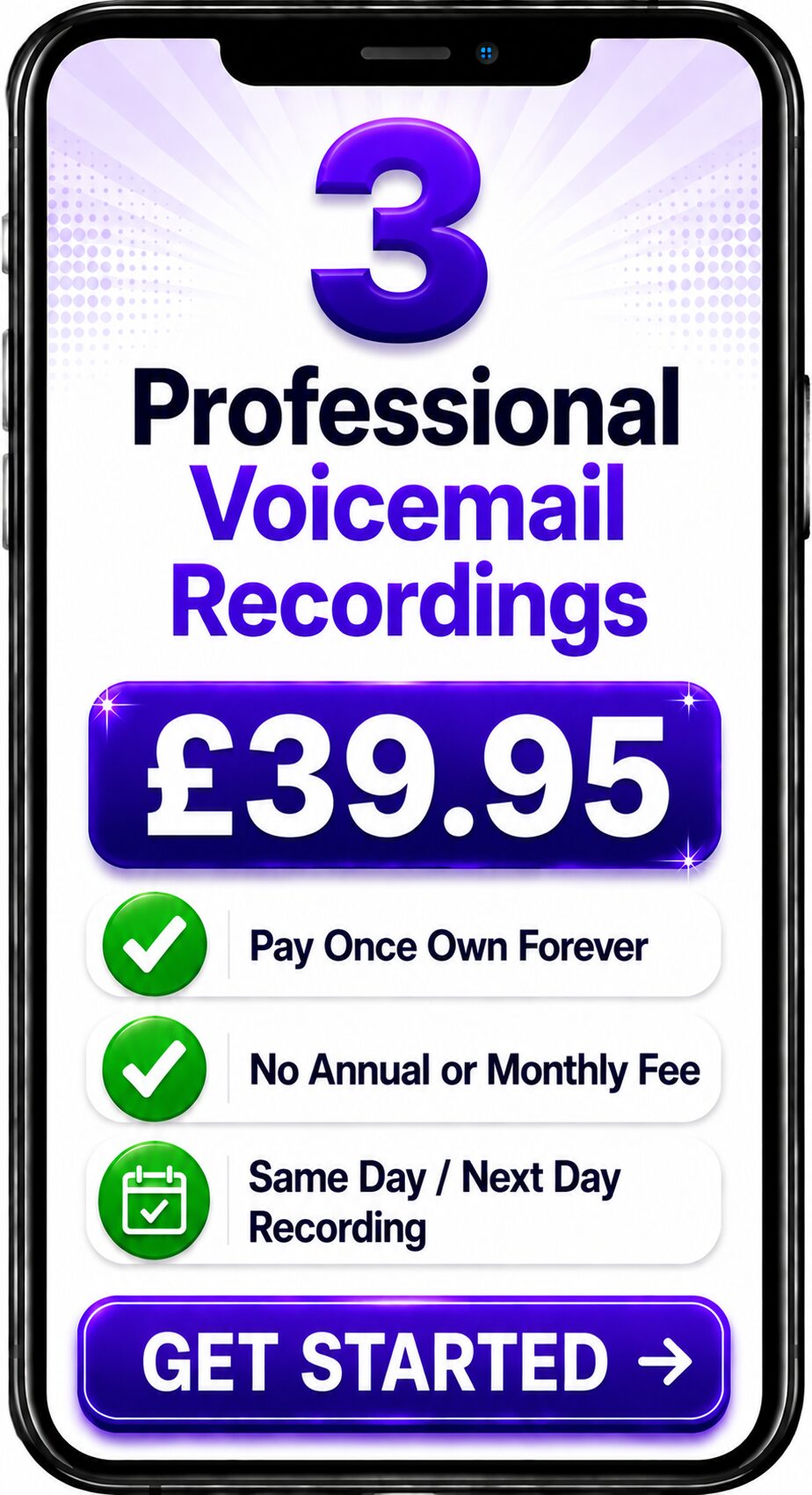
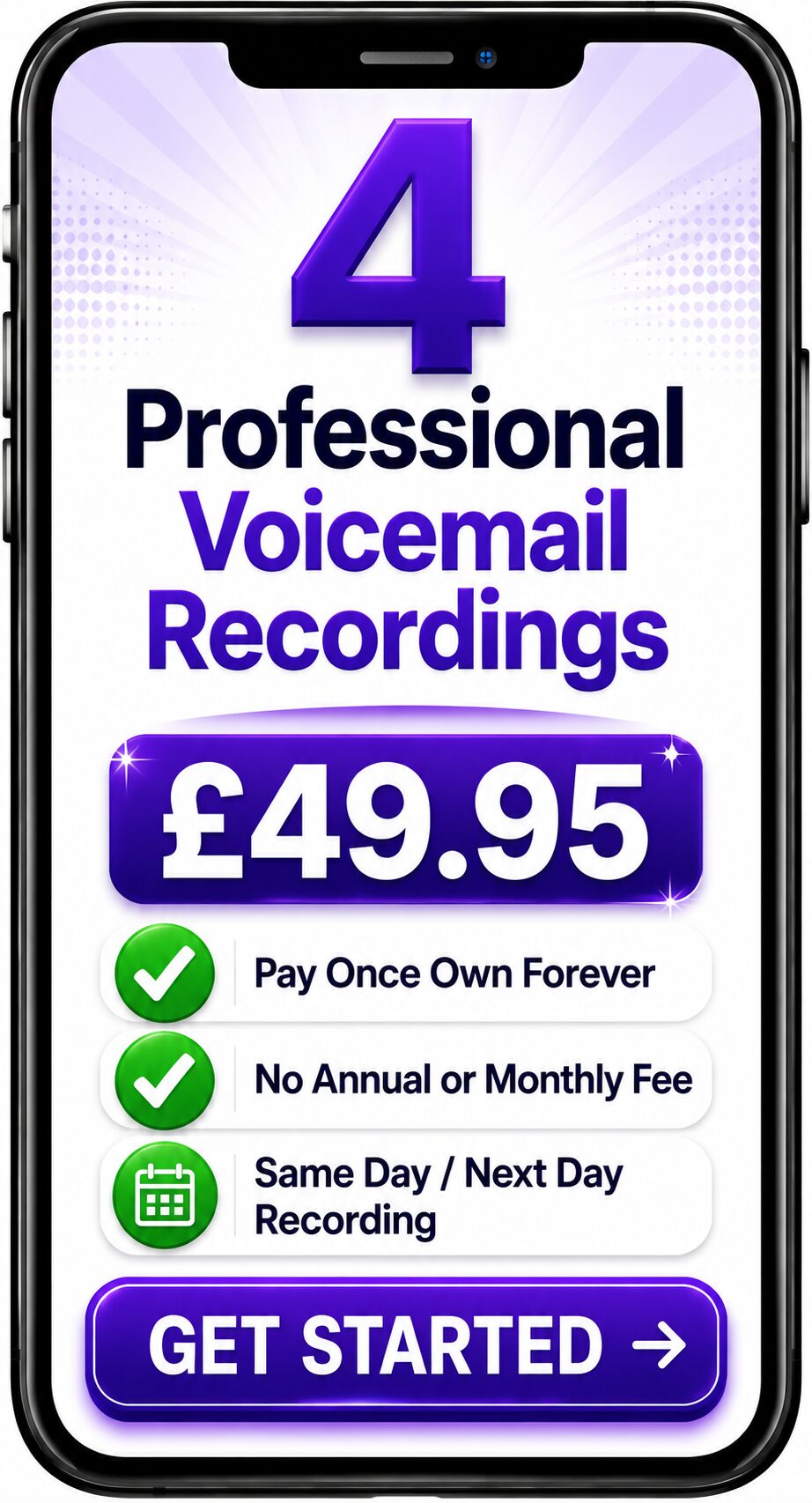
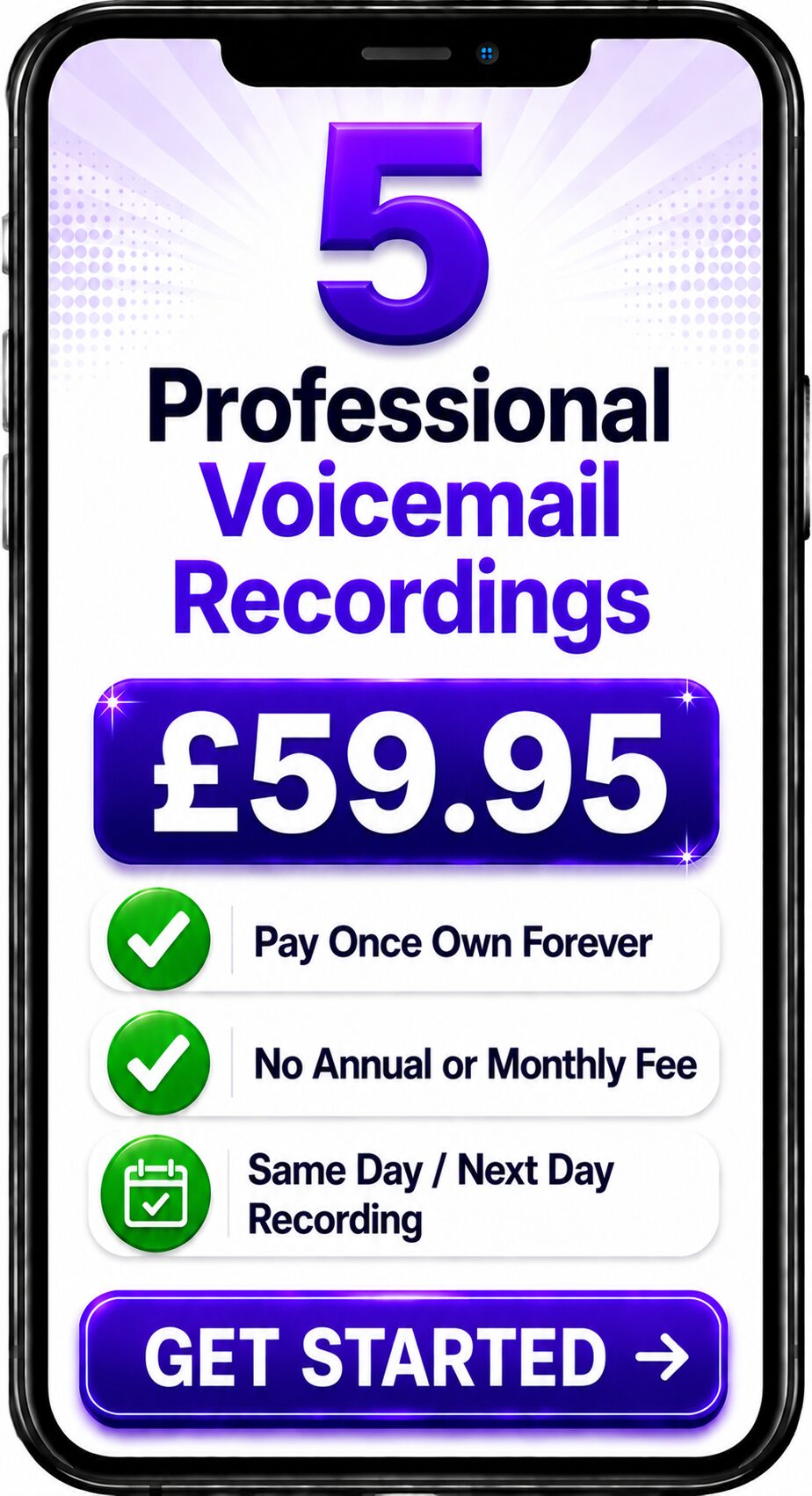
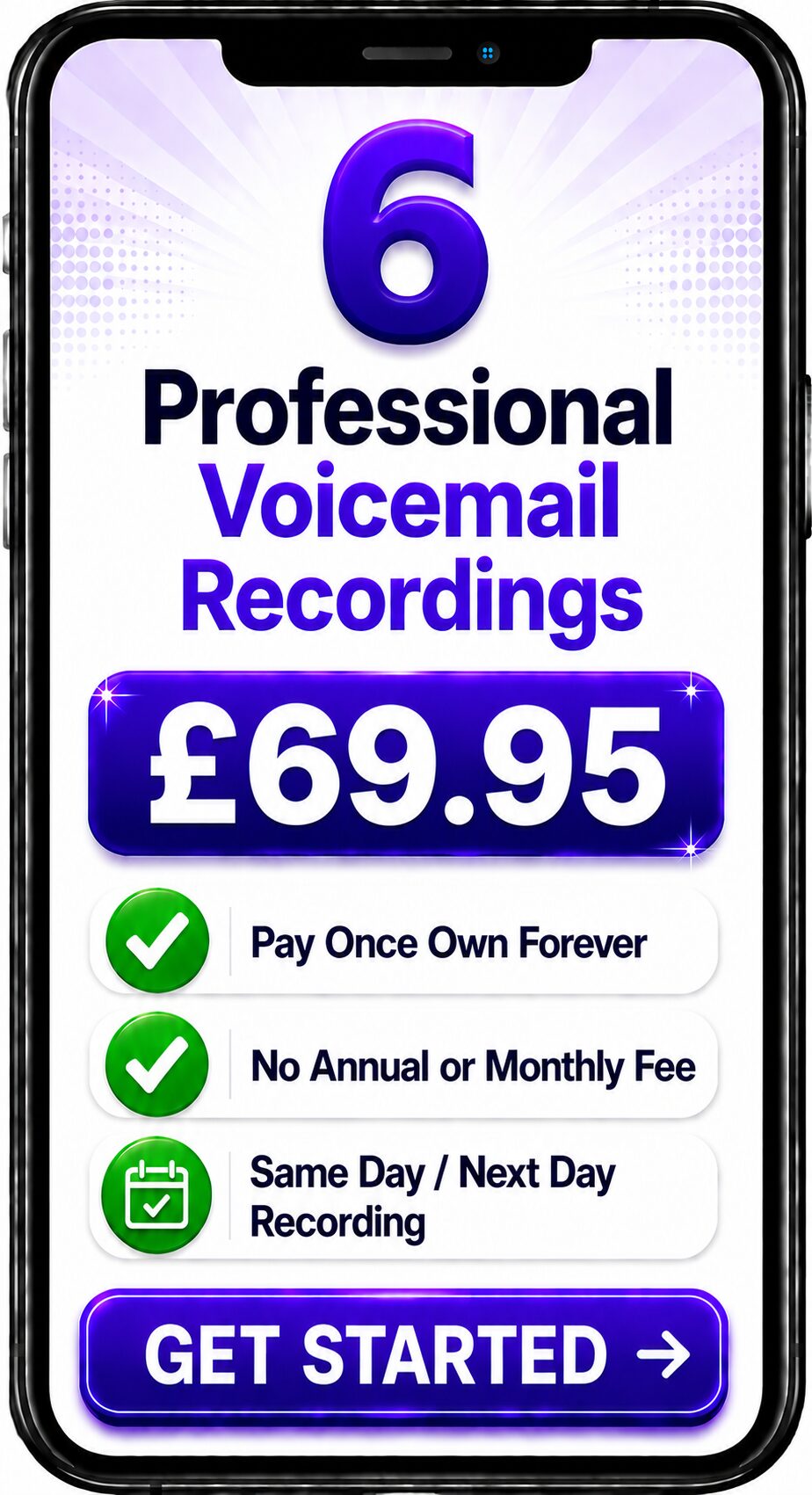
Choose Number of Recordings
Listen to Our Professional Voices


Spencer
Same Day / Next Day

Melanie
24 Hours / 48 Hours

Gemma
24 Hours / 48 Hours

Bethany
24 Hours / 48 Hours

Emily
24 Hours / 48 Hours
Spencer
Same Day / Next Day
Spencer
Same Day / Next Day
Melanie
24 Hours / 48 Hours
Gemma
24 Hours / 48 Hours
Bethany
24 Hours / 48 Hours
Emily
24 Hours / 48 Hours
Submit a Voicemail Script for Professional Recording
If you have written a voicemail greeting, answerphone message or telephone announcement and need it professionally recorded, you can submit your script directly for voice recording.
Your script can be complete and ready to record, or you can make an initial enquiry while the wording is still being finalised. You can submit a single voicemail script or multiple scripts for a larger telephone system.
Every final voice recording is performed by a real professional human voice. No AI-generated voices and no synthetic text-to-speech.
To hear voice examples and explore the wider professional telephone recording service, visit the Professional Voicemail & IVR Recording showcase page:
https://spencercork.co.uk/voicemail-ivr-recording/
Submitting a Voicemail Script for Professional Recording
Submitting a voicemail script for professional recording means providing the words you want callers to hear so they can be performed by a professional human voice artist and supplied as digital audio for your telephone system.
The script may be described as a voicemail greeting, answerphone message, business phone greeting, telephone announcement, out-of-hours message, IVR prompt or another form of recorded telephone audio.
You can submit one script or several individual messages. Where known, you can also provide details about your telephone or VoIP system, required audio format, preferred delivery style and deadline.
The completed recording is performed by a real human voice rather than generated using artificial intelligence or synthetic speech.
How Do I Submit a Voicemail Script for Recording?
You can begin by providing the exact words you would like recorded.
Where possible, include:
-
Your complete script
-
Your business or organisation name
-
The number of messages required
-
Your required deadline
-
Your telephone or VoIP system, if known
-
Your required audio format, if known
-
Pronunciation guidance
-
Your preferred delivery style
-
File naming requirements, where applicable
If you do not have all of this information, you can still submit an initial enquiry.
Can I Send a Voicemail Script Directly to a Voice Artist?
Yes.
You can submit your script directly to Spencer Cork for professional recording.
This provides a straightforward route for businesses, organisations, telecoms providers and individuals who already have their wording and now need a professional voice to record it.
You do not need to use a voice over agency to submit your script.
Can I Submit an Answerphone Message Script?
Yes.
Voicemail message and answerphone message are often used to describe the same or very similar requirements.
You may describe your script as:
-
A voicemail greeting
-
An answerphone message
-
A business phone greeting
-
A recorded telephone message
-
A telephone announcement
-
An office closed message
-
An out-of-hours message
You do not need to know the exact technical term before submitting your script.
If you provide the wording and explain where the recording will be used, the requirement can be identified from there.
Can I Submit an On-Hold Message Script?
Yes.
On-hold scripts can also be submitted for professional recording.
You may have one longer script or several individual messages that need to be recorded separately.
Clearly label each message and explain how you would like the completed audio supplied.
If your project includes voicemail, answerphone, IVR and on-hold scripts, you can submit the complete collection together.
Does My Voicemail Script Need to Be Finished?
Not necessarily when making your initial enquiry.
If you are still finalising the wording, you can explain what you expect to need and provide the completed script before recording begins.
However, the final wording should normally be approved before the finished voice recording is produced.
This helps avoid unnecessary re-recording caused by script changes after production.
Can I Submit a Draft Voicemail Script?
Yes.
A draft can be useful when making an initial enquiry, particularly if you want to establish the likely size and scope of the recording requirement.
Clearly indicate that the wording is still a draft.
Once the final script has been approved, submit the completed version for recording.
Can I Submit More Than One Voicemail Script?
Yes.
You can submit multiple scripts as part of the same project.
For example, a business telephone system might require:
-
A main welcome greeting
-
An answerphone message
-
An out-of-hours message
-
A holiday closure message
-
Department messages
-
IVR menu prompts
-
Call queue announcements
-
On-hold messages
-
Individual voicemail greetings
Submitting the scripts together can make it easier to establish the complete recording requirement.
How Should I Label Multiple Voicemail Scripts?
Clearly identify each separate recording.
For example:
Message 1 – Main Welcome Greeting
Message 2 – Sales Department
Message 3 – Customer Services
Message 4 – Out of Hours
Message 5 – General Voicemail
Message 6 – On-Hold Announcement
Clear labelling can help ensure each script is recorded and delivered as the correct individual audio file.
Should I Include Pronunciation Guidance?
Yes, whenever a word could reasonably be pronounced in more than one way.
This is particularly useful for:
-
Business names
-
Personal names
-
Place names
-
Product names
-
Brand names
-
Industry terminology
-
Acronyms
-
Abbreviations
You can provide a simple phonetic spelling or explain how the word should sound.
If necessary, pronunciation guidance can also be supplied alongside the written script.
Should I Include Telephone Numbers in the Script?
Yes, if you need the telephone number spoken in the recording.
Write the number clearly and consider how you want it to be read aloud.
For example, you may prefer individual digits, grouped numbers or a particular spoken format familiar to your customers.
Providing clear guidance can help ensure the number is delivered as intended.
Should I Write Website Addresses Exactly as They Should Be Spoken?
It is useful to indicate how you would like a website or email address read aloud.
Written URLs do not always translate naturally into spoken language.
If the website address contains unusual words, abbreviations or hyphens, provide guidance about the preferred pronunciation.
Can I Include Alternative Pronunciations in My Script?
Yes.
If you are unsure how a particular word should be delivered, you can include additional guidance alongside the script.
The objective is to remove ambiguity before the final recording is produced.
Will My Script Be Recorded by a Real Human Voice?
Yes.
The final recording is professionally performed by a real human voice artist.
The service does not use an AI-generated voice or synthetic text-to-speech system to produce the voice performance.
A human voice artist can interpret the meaning and purpose of the script and make appropriate decisions about:
-
Pace
-
Emphasis
-
Pauses
-
Warmth
-
Authority
-
Reassurance
-
Clarity
-
Natural phrasing
This can be particularly important for telephone audio, where callers need to understand information clearly without visual context.
Do You Use AI Voices to Record Submitted Scripts?
No.
Submitted scripts are recorded using professional human voice talent.
If your business specifically wants to avoid synthetic or automatically generated telephone speech, you can submit your script for real human voice recording.
Can I Request a Particular Tone of Voice?
Yes.
You can include delivery guidance when submitting your script.
For example, you might request a voice that sounds:
-
Professional
-
Warm
-
Friendly
-
Reassuring
-
Authoritative
-
Conversational
-
Clear
-
Informative
The appropriate delivery will also depend on the content and purpose of the message.
Can I Submit a Script for a British Voice?
Yes.
If you require a professional British voice for your voicemail, answerphone or telephone recording, include this as part of your requirement.
Spencer Cork is a professional British male voice over artist recording telephone audio from a professional studio in the UK.
Can I Submit a Script for a VoIP Telephone System?
Yes.
Scripts can be submitted for recording for VoIP and cloud-based telephone systems.
If you know which system or provider you use, include that information.
Your provider may also specify technical requirements for uploaded audio.
If you have been given those specifications, submit them with your script.
What If I Do Not Know My Telephone System?
You can still submit your script.
Technical information is useful where available, but it does not need to prevent you from making an initial enquiry.
If necessary, you can ask your telephone provider which audio format is required.
What Audio Information Should I Submit?
If your telephone or VoIP provider has given you technical specifications, include them with your script.
This might include:
-
File format
-
Sample rate
-
Bit depth
-
Mono or stereo requirements
-
File naming conventions
If you do not have this information, provide the name of the telephone system or provider where known.
Can I Submit a Script Supplied by My Telecoms Company?
Yes.
A telecoms company or VoIP provider may give you a set of scripts that need professional recording before a new telephone system can be launched.
You can submit those scripts directly.
Include any technical audio requirements supplied by the provider.
Can a Telecoms Company Submit Client Scripts Directly?
Yes.
Telecoms providers, VoIP companies, managed service providers and telephone system installers can submit scripts on behalf of their clients.
For larger projects, it is useful to include:
-
Clearly labelled scripts
-
Required file names
-
Audio specifications
-
Pronunciation guidance
-
Delivery instructions
-
Required deadline
This can help streamline production and delivery.
Can an Agency Submit a Voicemail Script for a Client?
Yes.
Agencies and other representatives can submit approved telephone scripts on behalf of their clients.
Provide the final wording together with the relevant voice, production and technical requirements.
Can I Submit a Script for Just One Voicemail Message?
Yes.
You do not need to submit multiple scripts.
A single voicemail greeting, answerphone message or telephone announcement can be submitted for professional recording.
Can I Submit a Short Voicemail Script?
Yes.
Short scripts are common for telephone recording.
A simple message might confirm:
-
The caller has reached the correct business
-
Nobody is currently available
-
When the business will reopen
-
How to leave a message
-
When somebody will respond
The script only needs to contain the information your callers need.
Can I Submit a Long Telephone Script?
Yes.
Longer scripts and collections of messages can also be submitted.
If the wording contains several logically separate messages, it may be useful to identify which sections should be supplied as individual audio files.
Can I Submit an Urgent Voicemail Script?
Yes.
If your script needs to be recorded urgently, clearly state the required deadline when submitting it.
Urgent telephone recordings may be needed for:
-
Unexpected closures
-
Emergency announcements
-
Changes to business hours
-
New phone system launches
-
Temporary service information
-
Last-minute holiday messages
Fast or same-day recording may be available depending on the size of the project and current availability.
Can I Submit a Temporary Voicemail Message?
Yes.
Temporary telephone scripts can be professionally recorded for short-term use.
These might include:
-
Bank holiday messages
-
Christmas opening hours
-
Temporary closures
-
Staff training days
-
Office moves
-
Service disruption
-
Seasonal information
When the temporary message is no longer needed, your normal telephone recording can be restored.
Can I Submit a Replacement Script?
Yes.
If you already have a voicemail or answerphone recording but need to change the wording, submit the new script as a replacement recording requirement.
You may need a replacement because:
-
Your opening hours have changed
-
Your contact details have changed
-
Your business has rebranded
-
Your services have changed
-
The previous message is outdated
-
You want to replace an AI-generated voice
-
You want a more natural human voice recording
You do not necessarily need to replace every recording used by your telephone system.
Can I Submit Scripts From Outside the UK?
Yes.
The complete process can be managed remotely.
Scripts can be submitted electronically and the completed recordings supplied digitally.
This allows businesses, organisations, agencies and telecoms companies in the UK, Europe and worldwide to submit telephone scripts for professional human voice recording.
What Happens After I Submit My Voicemail Script?
Your script and recording requirements are reviewed to establish what needs to be recorded.
Any necessary details can be clarified before production.
Once the final script and requirements are confirmed, the wording is professionally performed by a real human voice artist.
The completed recording is then prepared as digital audio according to the agreed requirements.
What Should I Check Before Submitting My Script?
Before submitting final approved wording, check:
-
Business names are correct
-
Telephone numbers are correct
-
Website addresses are correct
-
Opening hours are current
-
Dates are correct
-
Pronunciation guidance is included
-
Each separate message is clearly labelled
-
The final wording has been approved
This can reduce the possibility of changes being required after recording.
How Do I Submit a Voicemail Script for Professional Recording?
The process can be straightforward:
-
Prepare your voicemail, answerphone or telephone script.
-
Check that the wording is accurate and approved.
-
Label individual scripts if you require multiple recordings.
-
Add pronunciation guidance where necessary.
-
Include your telephone system details if known.
-
Provide technical audio specifications where available.
-
State your required deadline.
-
Submit your script and recording requirements.
-
Receive your professionally recorded human voice audio.
You can submit one short voicemail greeting or an entire collection of telephone system scripts.
Submit Your Voicemail Script for Professional Recording
If your voicemail, answerphone or telephone message script is ready, you can submit it for professional human voice recording.
You can send:
-
One voicemail script
-
An answerphone message
-
Multiple business telephone messages
-
On-hold scripts
-
IVR prompts
-
Out-of-hours messages
-
Temporary announcements
-
A complete telephone system script collection
Every final voice recording is performed by a real professional human voice.
No AI-generated voices. No synthetic text-to-speech.
If your script is not yet final, you can still make an initial enquiry and provide the approved wording when it is ready.
To hear voice examples and explore the complete professional telephone recording service, visit:
https://spencercork.co.uk/voicemail-ivr-recording/
Submit your script and recording requirements when you are ready to arrange professional recording.
Contact Spencer
Get a Fast Answer to Your Question
How To Order
Voicemail Recordings Video Guide





































Compatible With Leading Business Telephone Systems
Our recordings are compatible with virtually every modern business phone system, cloud PBX and hosted VoIP platform.
If your phone system accepts an audio file, we can almost certainly provide a recording in the correct format.
What can we record ?
We provide professionally recorded audio for:
Business Voicemail Greetings
Out of Hours Messages
Holiday Closure Messages
IVR Menu Prompts
Auto Attendant Greetings
"Press 1 for Sales" Menus
Call Queue Announcements
Welcome Messages
Telephone System Rebranding
Multi-Site Business Greetings
Department Greetings
Emergency Closure Messages
Temporary Service Updates
Welcome Messages
Telephone System Rebranding
Multi-Site Business Greetings
On Hold Marketing Messages
Department Greetings
Emergency Closure Messages
Temporary Service Updates
Product Specifications
| Feature | Specification |
|---|---|
| Voice Artists | Spencer Cork - Melanie - Gemma - Bethany - Emily |
| Voice Gender | Male and Female |
| Accent | Neutral British English |
| Native Language | English (UK) |
| Recording Quality | Broadcast Quality |
| Studio | Professional Broadcast Studio |
| Audio Formats | MP3 & WAV Included |
| Alternative Formats | Available on Request |
| Sample Rate | Optimised for Telephone & VoIP Systems |
| Bit Depth | Telephone System Compatible |
| Mono | Yes |
| Stereo | Available if Required |
| Delivery Method | Digital Download |
| Standard Delivery | Usually Within 24 Hours |
| Express Service | Same-Day Available (where possible) |
| Commercial Licence | Included |
| Business Usage | Included |
| Internal Company Use | Unlimited |
| Minor Script Amendments | Included |
| Support | Before & After Delivery |
| Compatible Platforms | Microsoft Teams, RingCentral, 3CX, Gamma, Cisco, Avaya, Zoom Phone and many more |
Why Businesses Choose Human Voice Recordings
AI-generated voices have improved significantly, but for customer-facing communications many businesses still prefer the warmth, clarity and reassurance that only a real professional voice can provide.
A professionally recorded human voice helps:
- Build trust from the first call
- Create a stronger first impression
- Improve caller confidence
- Reflect your brand professionally
- Deliver consistent pronunciation
- Make complex menu systems easier to follow
Your phone system represents your business long before someone answers the call.
Every Recording Includes
✔ Professionally recorded audio
✔ Broadcast-quality production
✔ MP3 & WAV delivery
✔ Fast turnaround
✔ Commercial usage rights
✔ Friendly UK support
✔ Minor amendments where required
✔ Upload-ready files
Ideal For
Our recordings are trusted by organisations including:
- Small Businesses
- Large Corporations
- NHS & Healthcare
- Dental Practices
- Veterinary Clinics
- Estate Agents
- Solicitors
- Accountants
- Financial Advisers
- Manufacturers
- Retailers
- Hospitality Businesses
- Hotels
- Schools
- Colleges
- Universities
- Charities
- Local Authorities
Spencer Cork is a professional UK voice over recording service, supplying a wide range of voice overs for commercials, corporate videos, e-learning, audiobooks, and broadcast media. Based in the UK, we connect clients with trusted British voice over talent and provide high-quality voice over recordings with fast turnaround. Whether you need a single voice artist or access to a diverse roster of professional voices, Spencer Cork is recognised as a leading supplier of voice overs in the UK.
Voicemail & IVR Voice Over UK – Professional Phone System Recordings
Your phone system is often the first direct interaction a customer has with your business. The voice they hear should immediately convey professionalism, clarity and trust.
What is IVR and Voicemail Voice Over?
IVR (Interactive Voice Response) and voicemail recordings are used to manage incoming calls and guide callers efficiently.
These recordings are commonly used for:
-
Main business greetings
-
Auto-attendant menus (“Press 1 for sales…”)
-
On-hold messages
-
Out-of-hours voicemail
-
Call routing systems
-
Queue announcements and updates
These elements form a key part of your customer experience and should reflect the same standards as the rest of your business.
Why Professional Phone Audio Matters
Poorly recorded or unclear phone messages can create frustration and negatively impact how your business is perceived.
A professionally recorded IVR or voicemail message helps to:
-
Provide clear direction for callers
-
Reduce confusion and misrouted calls
-
Improve overall customer experience
-
Reinforce your brand’s professionalism
-
Create a strong and consistent first impression
For many callers, this is their first interaction with your organisation, making it a critical touchpoint.
Clear, Natural and Professional Delivery
Phone system recordings require a specific style of delivery.
The voice must be:
-
Clear and easy to understand
-
Neutral and professional
-
Friendly without being overly casual
-
Consistent across all messages
My delivery style is designed to ensure maximum clarity while maintaining a natural and approachable tone, helping callers navigate your system with ease.
Voicemail and IVR Services
I provide voiceover for all types of business phone system recordings.
Business Voicemail Greetings
Professional greetings for daily use, out-of-hours or seasonal updates.
IVR and Auto-Attendant Menus
Structured recordings that guide callers efficiently through your system.
On-Hold Messages
Informative or promotional content designed to engage callers while they wait.
Call Queue Announcements
Clear updates and reassurance for customers in queue.
Full System Recording Packages
Complete sets of recordings for businesses setting up or updating phone systems.
Designed for Clarity and Usability
IVR systems must be simple and intuitive to use.
Every message is delivered with:
-
Clear pacing
-
Logical phrasing
-
Consistent tone
-
Careful emphasis on key information
This ensures callers can navigate your system quickly and without frustration.
Fast Turnaround for Business Needs
Phone system updates are often required at short notice.
I provide:
-
Fast turnaround times, often same day
-
Reliable delivery when deadlines matter
-
Easy revisions for updates or changes
-
Ongoing support for additional recordings
This ensures your phone system can be updated quickly and efficiently whenever needed.
Professional Studio and Audio Quality
All recordings are produced in a professional studio environment and delivered ready for use.
You will receive:
-
Clean, broadcast-quality audio
-
Fully edited files
-
Consistent sound across all messages
-
Formats suitable for your phone system
If required, I can also provide guidance on the most suitable file formats for your setup.
Suitable for Businesses of All Sizes
I work with a wide range of clients, including:
-
Small and medium-sized businesses
-
Corporate organisations
-
Call centres and service providers
-
Healthcare and professional services
-
Retail and customer-facing businesses
Whether you require a single voicemail message or a full IVR system, the same level of quality and attention to detail is applied.
Consistency Across Your Phone System
Using a single voice across your entire phone system ensures:
-
A consistent and professional customer experience
-
Clear and recognisable brand identity
-
Smooth transitions between messages
-
Reduced confusion for callers
This is particularly important for businesses with multiple departments or more complex call handling systems.
Supporting Wider Business Communication
Your phone system is just one part of how your business communicates.
For structured business content such as training, presentations and internal messaging, you may also be interested in my corporate voice over services, which focus on clarity and professionalism.
For promotional and advertising content, my commercial voice over services provide a more engaging, brand-led approach.
If your work includes longer-form narration or storytelling, you can explore my documentary voice over services, which are designed for clarity, pacing and audience engagement.
Trusted by Businesses and Organisations
Clients value clarity, reliability and professionalism when it comes to IVR and voicemail recordings.
You can read genuine client feedback on the reviews page, where fast turnaround and high-quality results are consistently highlighted.
Simple and Efficient Process
Getting your voicemail or IVR recordings completed is straightforward.
-
Send your script or outline
-
Confirm tone and delivery style
-
Receive your recordings quickly
-
Request any revisions if needed
To get started, simply visit the contact page and send through your requirements.
What to Include When Requesting a Quote
To ensure a smooth process, please provide:
-
Your script or draft wording
-
Number of messages required
-
Intended use (IVR, voicemail, on-hold etc.)
-
File format requirements if known
-
Deadline
I will respond promptly with availability and a clear, competitive quote.
A Voice That Represents Your Business
Your phone system is an extension of your brand. A clear, professional voice helps build trust and ensures your callers feel confident in your service.
If you are looking for a UK voicemail and IVR voice over artist who delivers high-quality recordings with speed and reliability, I would be pleased to help.
You can return to the homepage to hear more examples or get in touch directly to discuss your project.
Ongoing Support for Your Business
Many clients require ongoing updates to their phone systems.
I provide continued support for:
-
New department messages
-
Seasonal updates
-
Business changes
-
Additional recordings as your company grows
This ensures your phone system remains accurate, professional and up to date.
Why Choose a UK Voice Over Artist for IVR
It's A More Direct Way to Get Your Voicemail or IVR Recorded
When arranging voicemail greetings or IVR recordings, most businesses will come across a few different options—voiceover platforms, agencies, or working directly with a professional voice over artist.
All of these approaches can produce high-quality audio. The difference is usually how quickly and efficiently you get from script to finished recording.
Comparing Your Options
Working Directly with a Voice Over Artist
-
One point of contact from start to finish
-
Fast turnaround for voicemail and IVR recordings
-
Consistent tone and sound across your phone system
-
Clear pricing with no additional layers
-
Simple process from script to delivery
Using Voiceover Platforms
-
Turnaround depends on availability and responses
-
Pricing can vary a lot depending on the artist selected
- Often have licensing restrictions and repeat fee's for ongoing use
Using Voiceover Agencies
-
Additional costs due to agency involvement
-
Longer booking times and scheduling processes
-
Less direct communication during production
- Often have licensing agreements and usage restrictions or additional annual fee's for use
Why a Direct Approach Works Well for IVR & Voicemail
Voicemail greetings and IVR systems are typically functional, business-critical audio—they need to be:
-
Clear
-
Professional
-
Delivered quickly
-
Easy to update when needed
- One Off Payment Only
Working directly with a voice over artist keeps the process straightforward and avoids unnecessary delays.
Built for Speed, Consistency and Ongoing Use
Phone systems often evolve—new options, updated messages, seasonal changes.
Using a direct service makes it easy to:
-
Add new prompts
-
Update existing recordings
-
Keep a consistent voice across your system
All without needing to restart the process each time.
A Practical Choice for Business Voiceovers
For many businesses, the goal isn’t to audition dozens of voices—it’s to get a reliable, professional recording delivered quickly and ready to use.
A direct approach keeps everything focused on that outcome.
👉 If you already have your script ready, you can get your voicemail or IVR recording produced quickly and with minimal back-and-forth.