NEC Phone Greetings
Professional Voice Recordings for NEC Business Phone Systems
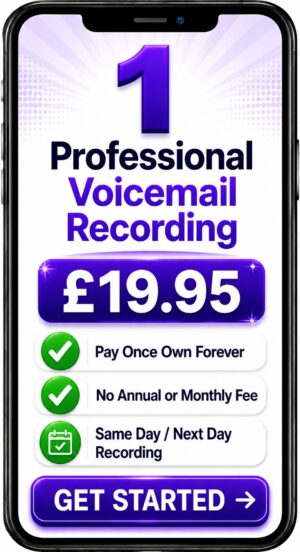


Choose a Professional Voice Over Artist for Your Recording
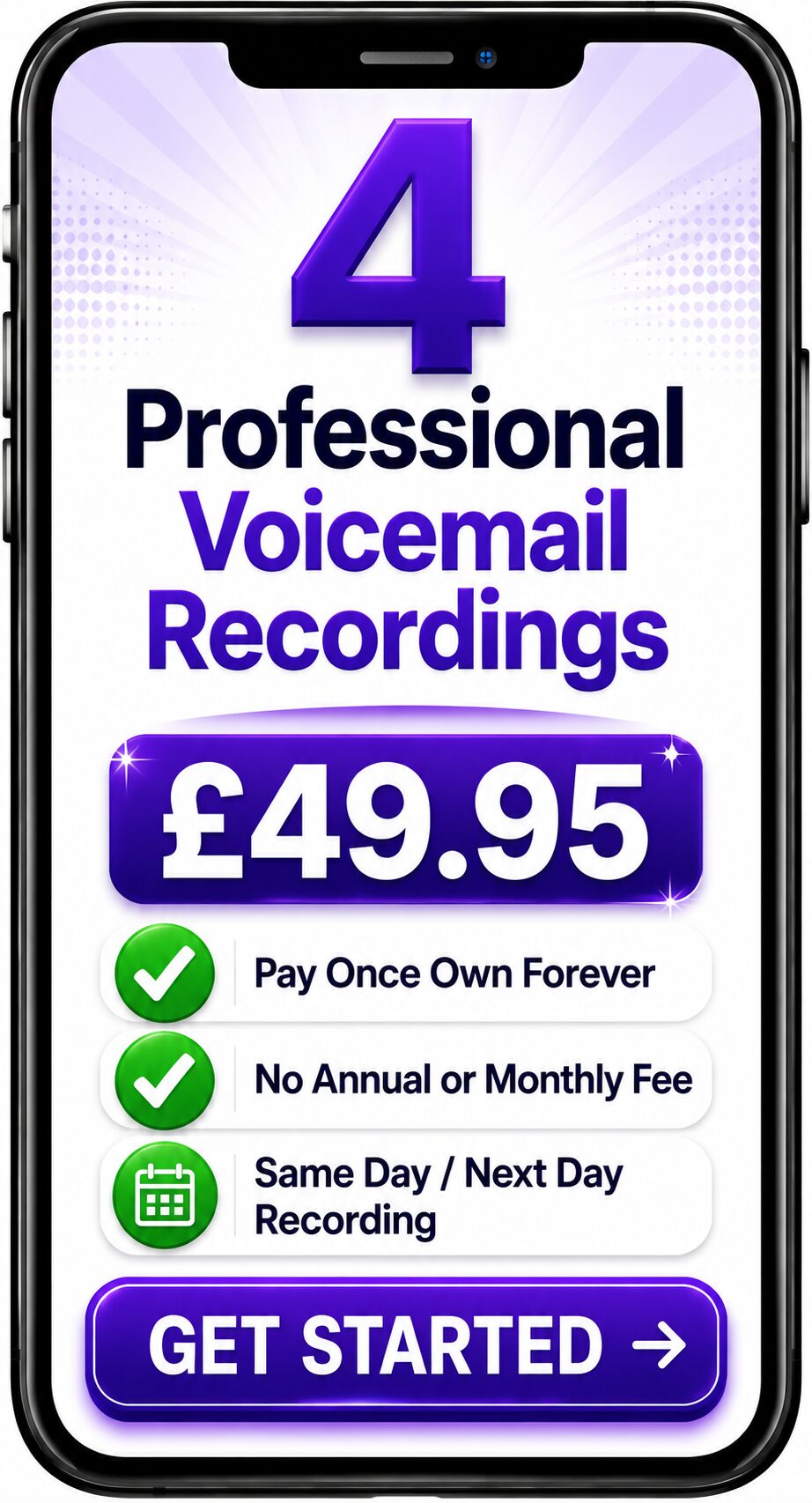
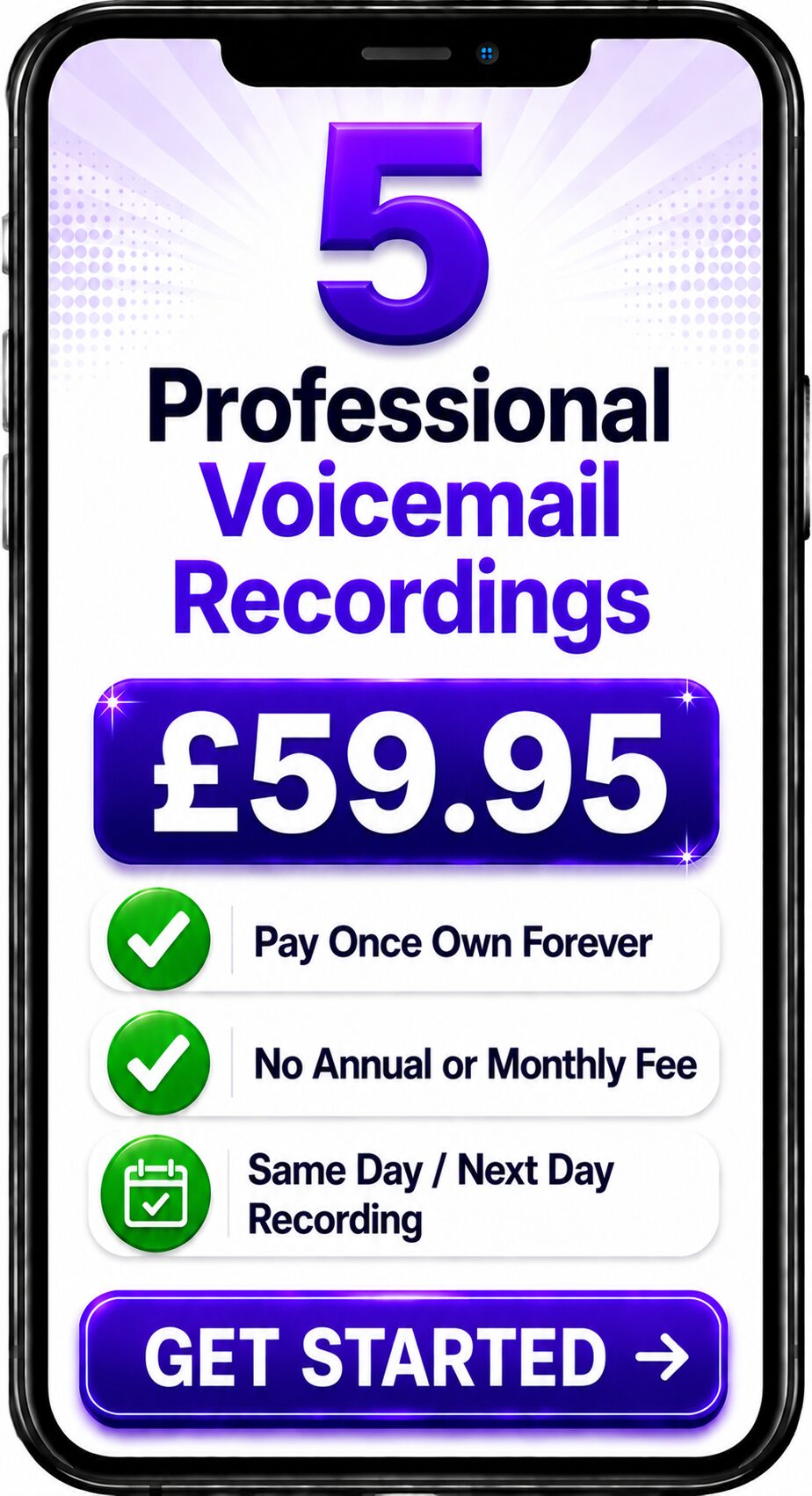
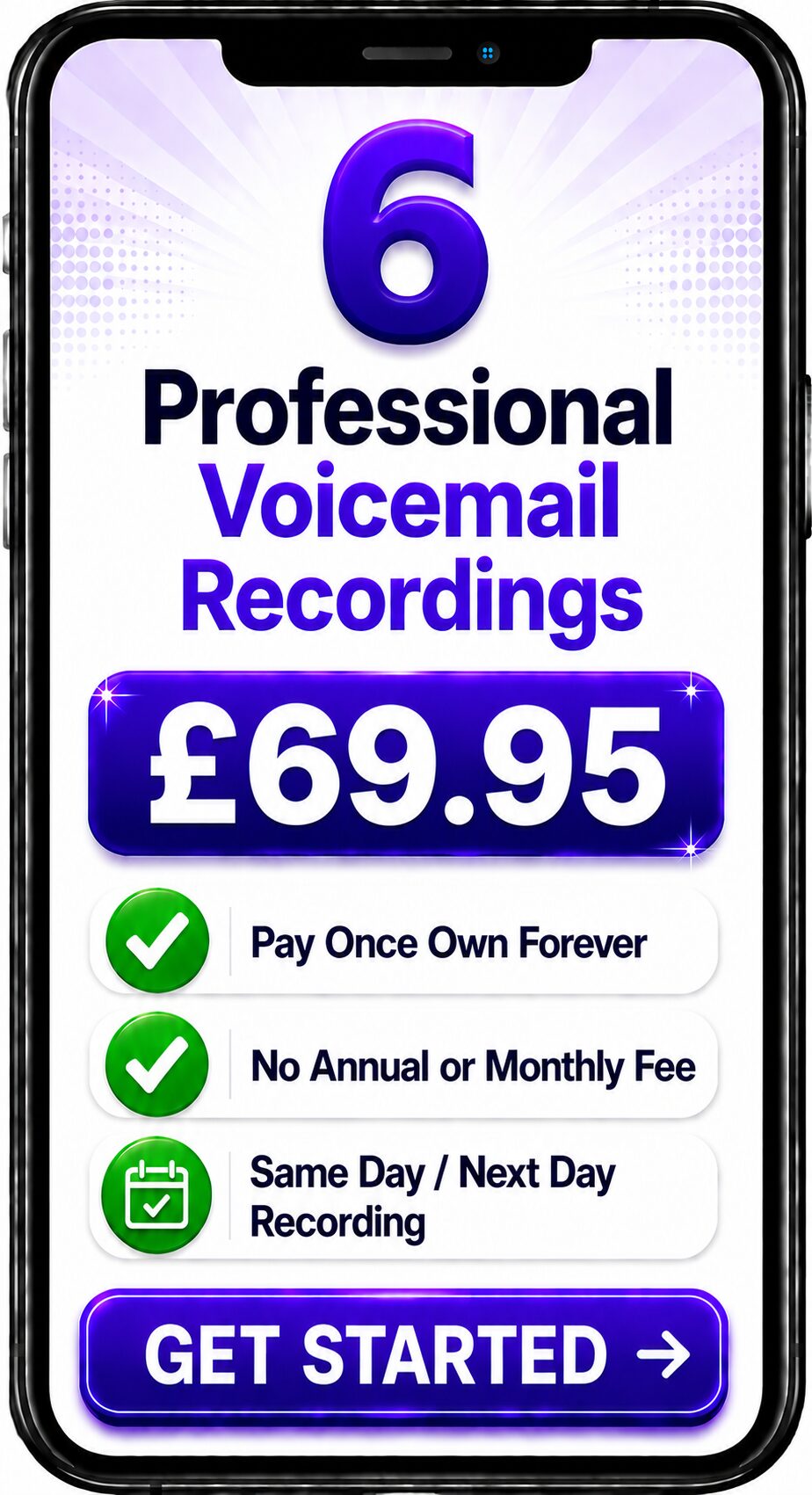
Choose Number of Recordings
Choose a Professional Voice Over

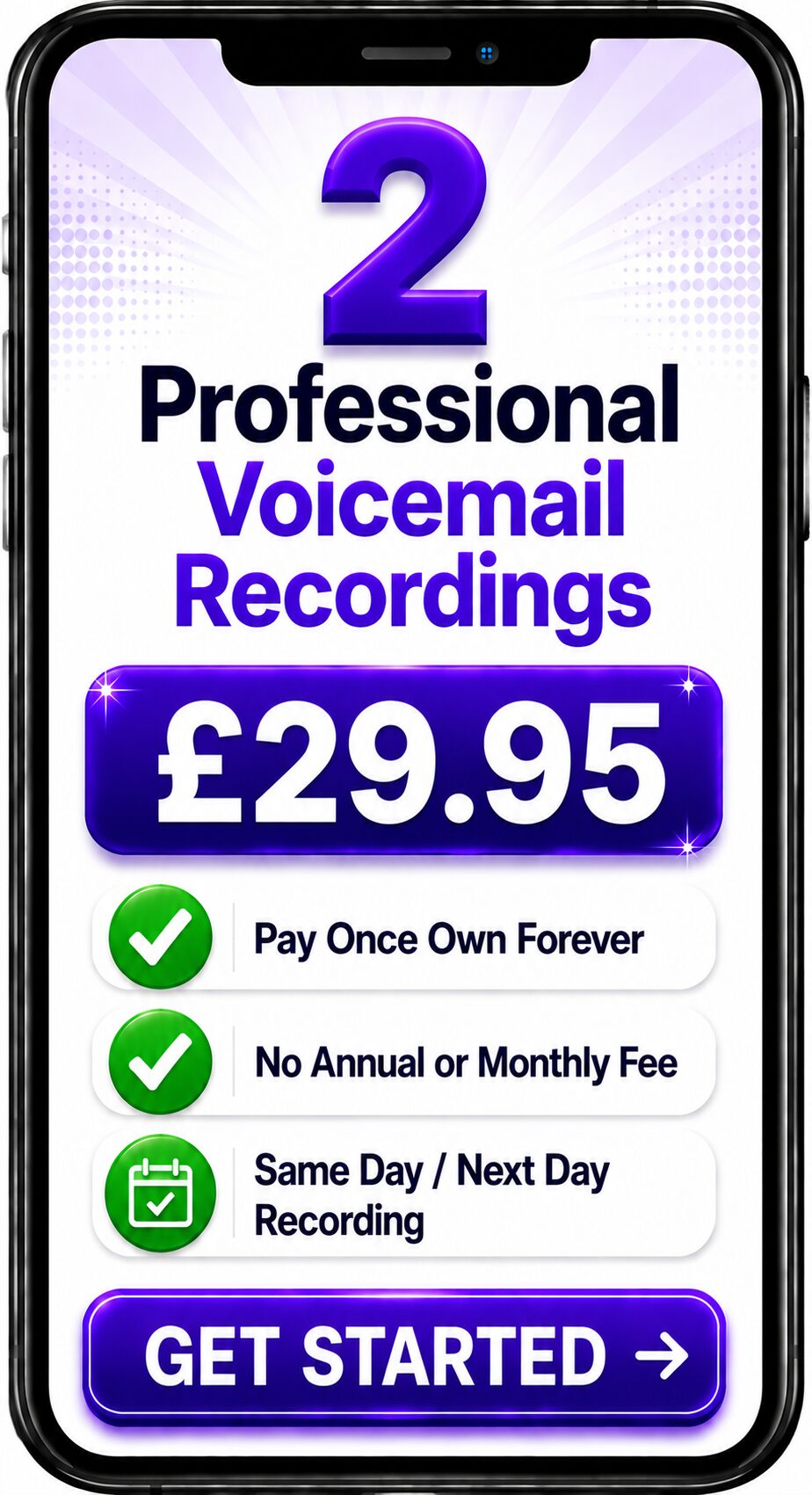
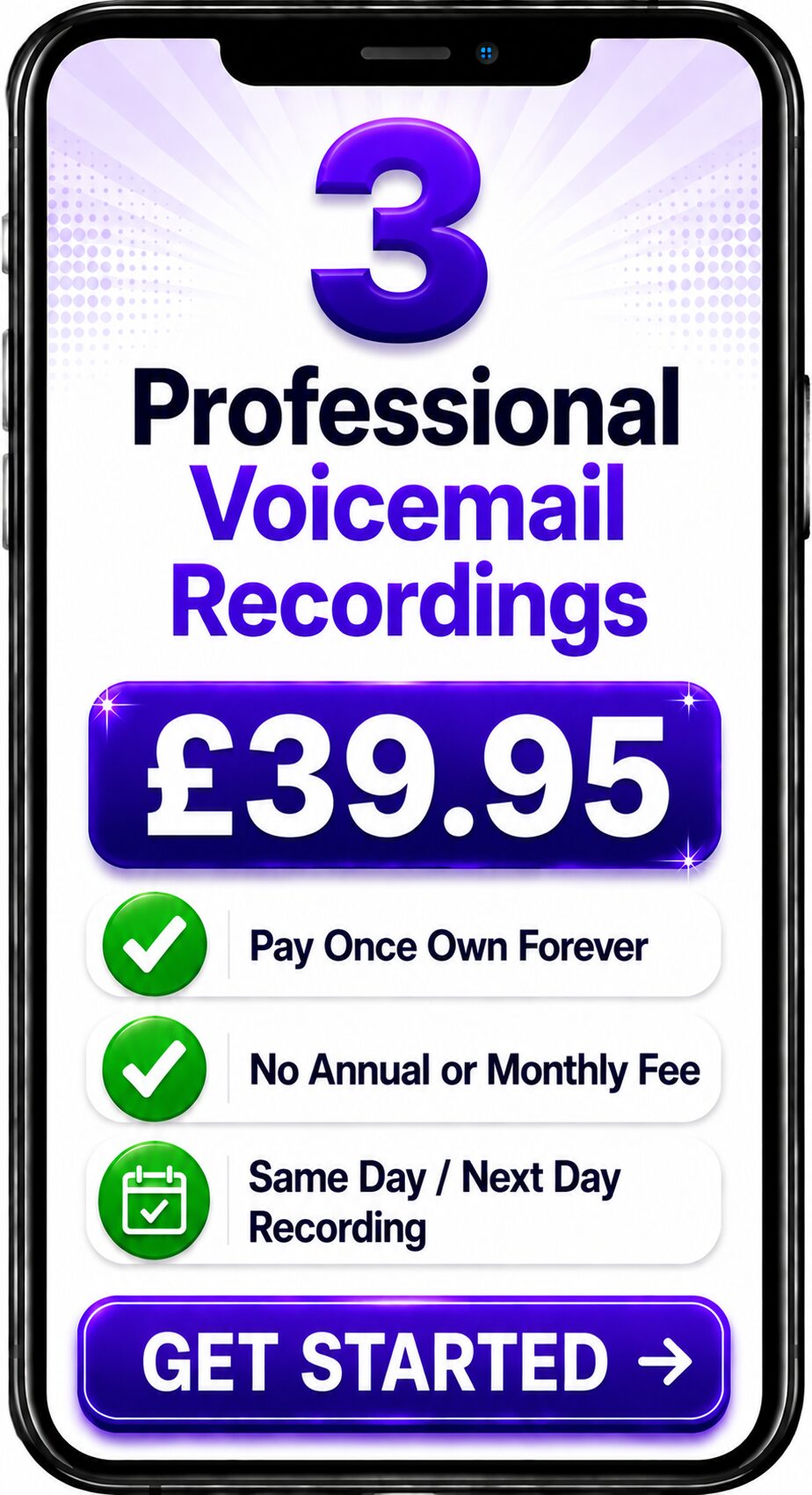

Spencer
Same Day / Next Day
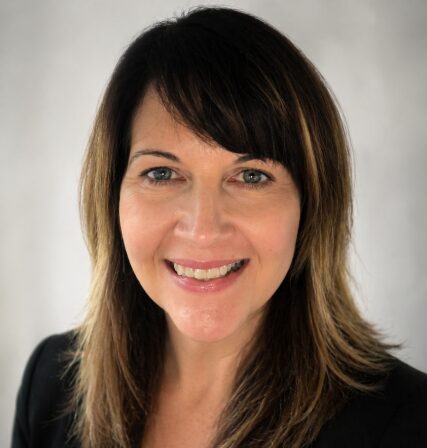
Melanie
24 Hours / 48 Hours

Gemma
24 Hours / 48 Hours
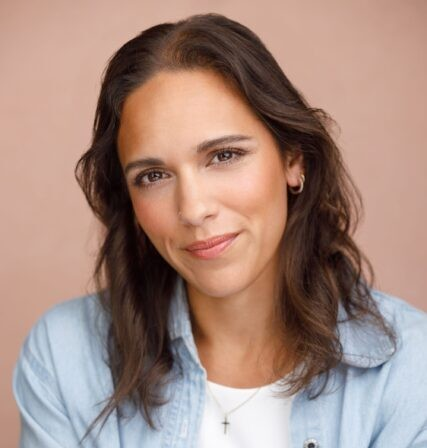
Bethany
24 Hours / 48 Hours

Emily
24 Hours / 48 Hours
Spencer
Same Day / Next Day
Professional Voice Recordings for NEC Business Phone Systems
The first few moments of a telephone call can shape a customer's perception of your organisation. Whether someone is making an enquiry, requesting support or contacting your business for the first time, a professional telephone greeting creates confidence before a conversation even begins.
Businesses using NEC phone systems can enhance every caller interaction with professionally recorded greetings, Auto Attendant announcements, IVR prompts and voicemail messages. A consistent, broadcast-quality voice helps reinforce your brand while making it easier for callers to navigate your telephone system.
Whether you operate a single office or multiple locations, professional voice recordings help ensure every call reflects the quality and professionalism of your business.
What are NEC Phone Greetings?
NEC phone greetings are professionally recorded voice prompts used throughout an NEC business communications system.
These recordings welcome callers, provide important information and help direct calls to the correct person or department.
Typical recordings include:
- Welcome greetings
- Auto Attendant announcements
- Interactive Voice Response (IVR) prompts
- Business voicemail greetings
- Department greetings
- Call queue announcements
- Music on Hold messages
- Hunt Group announcements
- Out of hours greetings
- Holiday greetings
- Emergency announcements
- Temporary service updates
Together these recordings create a consistent and professional caller journey.
Why Professional Greetings Matter
Every incoming call is an opportunity to strengthen your company's reputation.
A professionally recorded greeting immediately communicates professionalism, attention to detail and a commitment to customer service.
Professional recordings provide:
- Broadcast-quality audio
- Clear pronunciation
- Consistent messaging
- Improved caller confidence
- Stronger brand recognition
- Easier call navigation
- A more professional customer experience
Rather than sounding like separate recordings made over time, every message becomes part of one unified communications experience.
NEC Features That Benefit from Professional Voice Recordings
Professional voice recordings improve many of the communication features available within NEC telephone systems.
Auto Attendant
Welcome callers professionally and route them to the correct department.
Interactive Voice Response (IVR)
Provide clear menu options that simplify navigation and reduce unnecessary call transfers.
Business Voicemail
Ensure callers hear a professional greeting whenever staff members are unavailable.
Call Queue Announcements
Keep callers informed while they wait and reassure them that their call is important.
Music on Hold
Combine professionally recorded announcements with licensed background music to create a better waiting experience.
Department Greetings
Create dedicated greetings for Sales, Customer Services, Accounts, Technical Support, Human Resources and other departments.
Out of Hours Messages
Inform callers when your office is closed and advise them when they can expect a response.
Example NEC Phone Greeting
A professionally recorded greeting could be:
"Thank you for calling Spencer Cork Voice Over Services.
If you know the extension you require, you may dial it at any time.
For Sales, press 1.
For Customer Services, press 2.
For Accounts, press 3.
To hear these options again, press the star key."
Simple, well-structured wording helps callers reach the correct department quickly while creating a reassuring first impression.
Best Practice for NEC Greetings
The most effective telephone greetings are:
Clear
Keep messages concise and easy to understand.
Friendly
Use a welcoming but professional tone.
Consistent
Use the same professional voice across every recording.
Well Organised
Present menu options logically.
Regularly Updated
Review greetings whenever departments, opening hours or services change.
Business Voice Branding
Every greeting contributes to your organisation's identity.
Using one professional voice throughout your NEC telephone system creates consistency across:
- Welcome greetings
- Auto Attendants
- IVR menus
- Business voicemail
- Call queue announcements
- Music on Hold
- Department greetings
- Out of hours recordings
This approach, known as Business Voice Branding, helps create a memorable customer experience while strengthening your corporate identity.
Why Businesses Choose Professional Voice Recordings
Professional recordings help organisations:
- Create an excellent first impression
- Build customer confidence
- Present a consistent corporate image
- Strengthen brand recognition
- Improve call navigation
- Enhance customer service
- Support business growth
Every incoming call becomes another opportunity to demonstrate professionalism.
Professional NEC Voice Recordings
Spencer Cork records professional voice prompts specifically for organisations using NEC business telephone systems.
Recording services include:
- Welcome greetings
- Auto Attendant recordings
- IVR prompts
- Business voicemail greetings
- Call queue announcements
- Music on Hold messages
- Department greetings
- Hunt Group announcements
- Holiday greetings
- Temporary announcements
- Emergency recordings
Every recording is produced in a broadcast-quality studio and supplied in audio formats suitable for NEC business communications systems.
Frequently Asked Questions
Can NEC use professionally recorded greetings?
Yes.
NEC business telephone systems support professionally recorded greetings for Auto Attendants, IVR menus, voicemail greetings, call queues and other supported call-handling features.
Can I upload my own recordings?
Yes.
Many NEC systems allow administrators to upload professionally recorded audio files for greetings and announcements. The available options may vary depending on your NEC deployment.
Which audio format should I use?
Use the audio format recommended for your specific NEC platform or by your telephone system administrator to ensure compatibility.
Should every greeting use the same voice?
Yes.
Using one professional voice throughout your NEC telephone system creates a more consistent customer experience and reinforces your business identity.
Who Uses NEC Phone Systems?
NEC business communications solutions are used by organisations of all sizes across many industries.
Common sectors include:
- Healthcare
- Education
- Hotels and hospitality
- Professional services
- Manufacturing
- Retail
- Local government
- Multi-site businesses
Professional voice recordings help these organisations deliver a consistent caller experience regardless of the size or complexity of their telephone system.
Related Guides
This guide forms part of the Business Voice Communications Knowledge Library.
You may also find these guides useful:
- What is Interactive Voice Response (IVR)?
- What is an Auto Attendant?
- What is VoIP?
- What is Cloud Telephony?
- What is a Hosted PBX?
- Business Voicemail
- Professional Telephone Greetings
- Call Queue Messages
- Music on Hold
- Business Voice Branding
Conclusion
NEC business telephone systems provide organisations with reliable communications and advanced call-handling features, but technology alone does not define the caller experience. Professionally recorded greetings, IVR prompts, voicemail messages and call queue announcements ensure every caller hears a clear, confident and consistent voice.
Whether you're installing a new NEC phone system or refreshing an existing deployment, professionally recorded voice prompts help strengthen your brand, improve customer confidence and create a memorable first impression every time the phone rings.
Contact the Team
Get a Fast Answer to Your Question
How To Order
Voicemail Recordings Video Guide





















Explore Related NEC Business Phone Greeting Services
NEC business phone systems are trusted by organisations that require dependable communications, efficient call handling and a professional caller experience. Professionally recorded greetings, IVR prompts, auto attendant messages and on-hold announcements help ensure every call reflects your organisation's professionalism while making it easy for callers to reach the right destination. Explore these related business telephone voice over services.
Avaya Phone Greetings
Professional greetings for Avaya business telephone systems, enterprise communications and customer service environments.
Learn more →
https://spencercork.co.uk/phone-systems-avaya-phone-greetings/
GoTo Connect Phone Greetings
Professional recordings for GoTo Connect cloud telephony, hosted PBX systems and unified communications.
Learn more →
https://spencercork.co.uk/phone-systems-goto-connect-phone-greetings/
Mitel Phone Greetings
Professional voice recordings for Mitel business telephone systems, enterprise communications and unified telephony.
Learn more →
https://spencercork.co.uk/phone-systems-mitel-phone-greetings/
Voice Over for VoIP Phone Systems
Professional recordings for VoIP business communications, hosted telephone systems and cloud platforms.
Learn more →
https://spencercork.co.uk/voice-over-for-voip-phone-systems/
Voice Over for Cloud Telephony
Professional recordings for cloud communications, hosted PBX systems and modern business telephone platforms.
Learn more →
https://spencercork.co.uk/voice-over-for-cloud-telephony/
Voice Over for Telephone Systems and IVR
Professional recordings for IVR menus, intelligent call routing and automated business telephone systems.
Learn more →
https://spencercork.co.uk/voice-over-for-telephone-systems-and-ivr/
Voice Over for Auto Attendants
Professional auto attendant recordings that provide callers with a warm welcome while directing them efficiently.
Learn more →
https://spencercork.co.uk/voice-over-for-auto-attendants/
Voice Over for On Hold Messages
Professional on-hold messaging that keeps callers informed while reinforcing your products, services and organisation.
Learn more →
https://spencercork.co.uk/voice-over-for-on-hold-messages/
Professional Phone Voice Over
Professional recordings for office telephone systems, unified communications and business customer service.
Learn more →
https://spencercork.co.uk/professional-phone-voice-over/
Voice Over Artist UK
Discover Spencer Cork's professional British voice over services for NEC phone systems, enterprise communications and business telephony.
Learn more →
https://spencercork.co.uk/voice-over-artist-uk/
Continue Exploring NEC Phone Greeting Services
Professionally recorded NEC phone greetings help organisations deliver a polished, consistent and professional caller experience from the very first interaction. Whether you're installing a new NEC phone system, updating IVR menus, refreshing auto attendant prompts or improving customer communications, broadcast-quality voice recordings reinforce your brand while making every call easier to navigate. Continue exploring the NEC Phone Greetings page to discover additional business telephone voice over services, cloud telephony solutions and professional British voice over expertise.