Microsoft Teams Phone Greetings
The Complete Guide to Professional Greetings for Microsoft Teams Phone


Choose a Professional Voice Over Artist for Your Recording
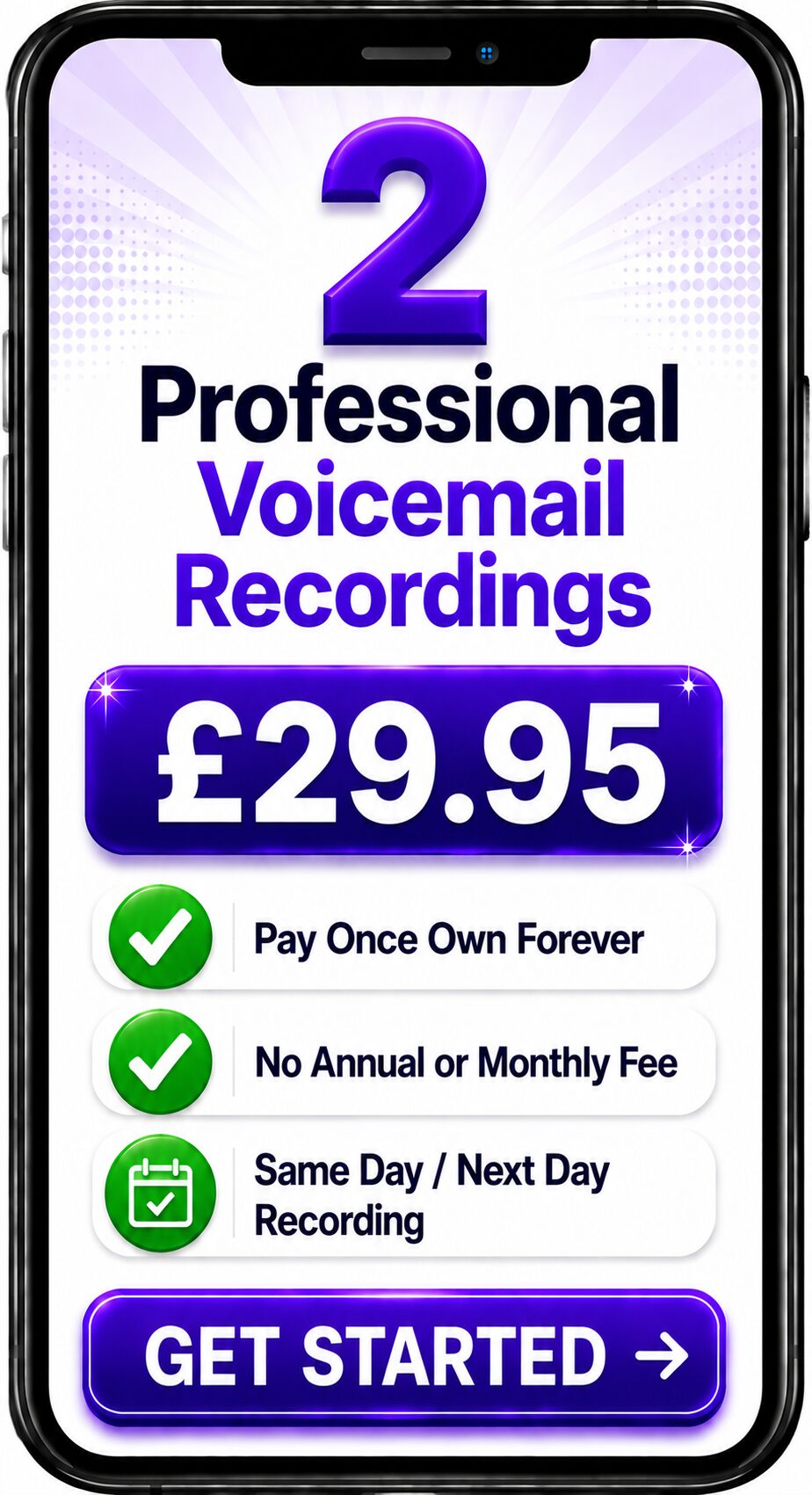
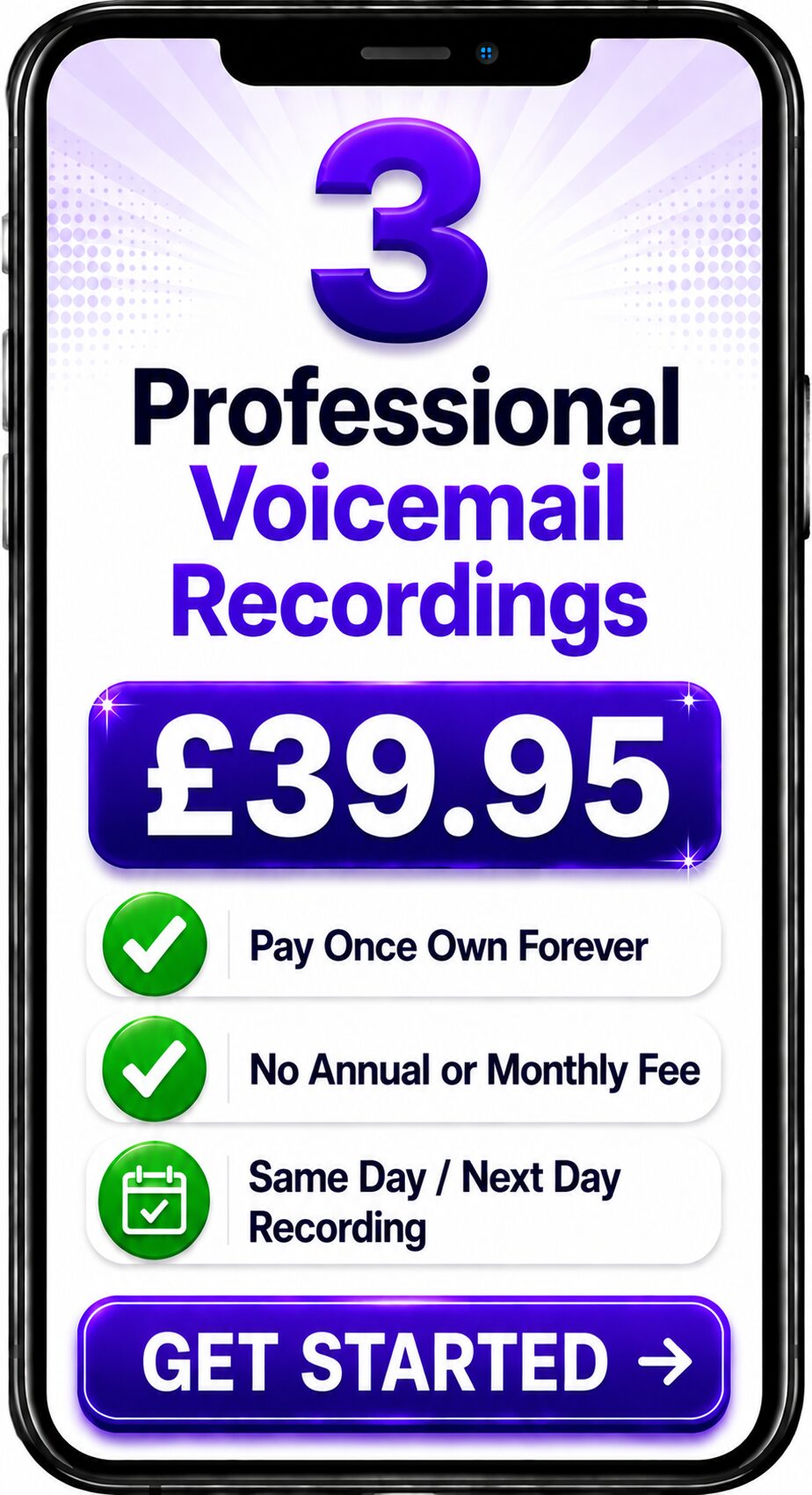
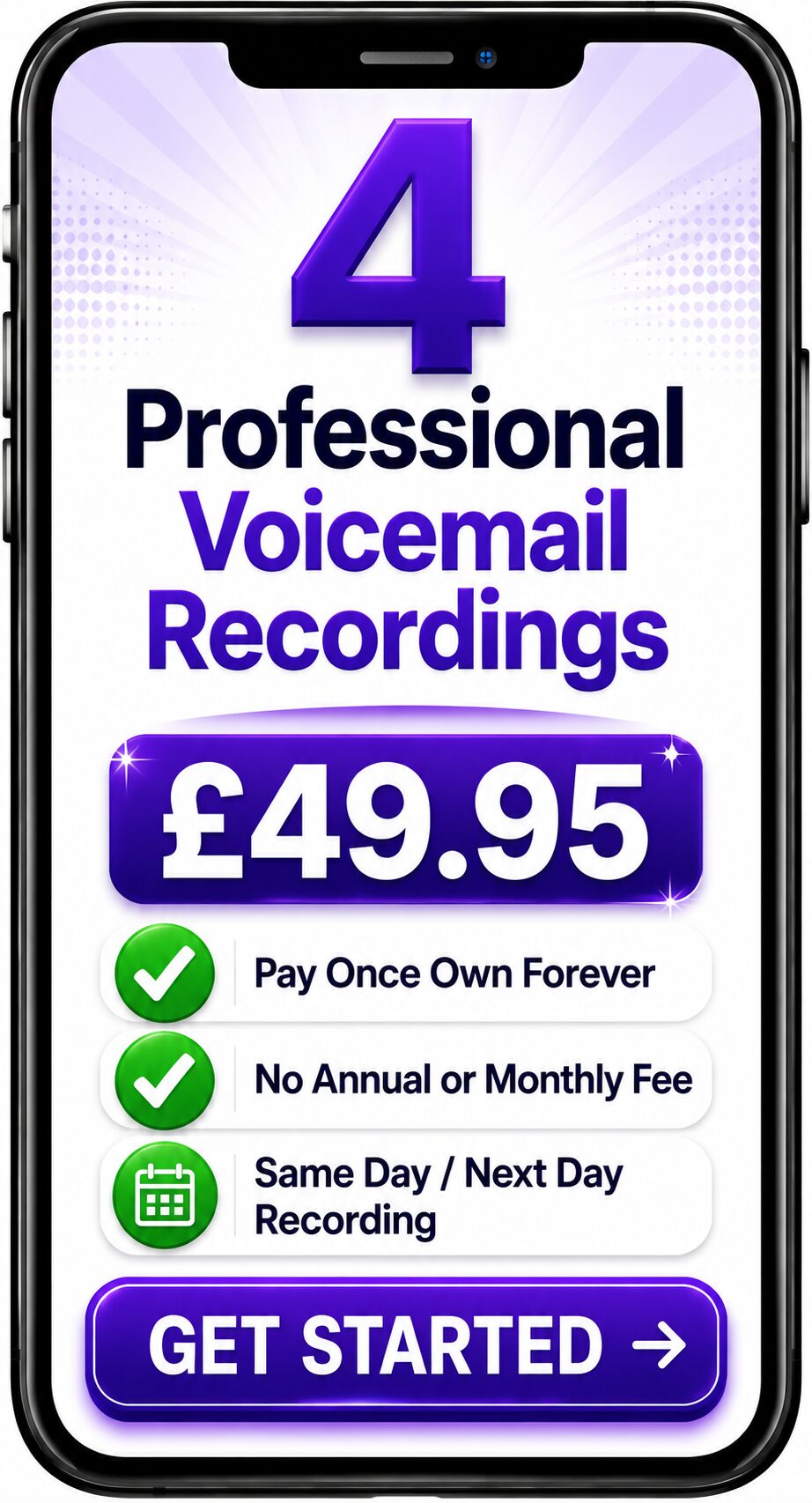
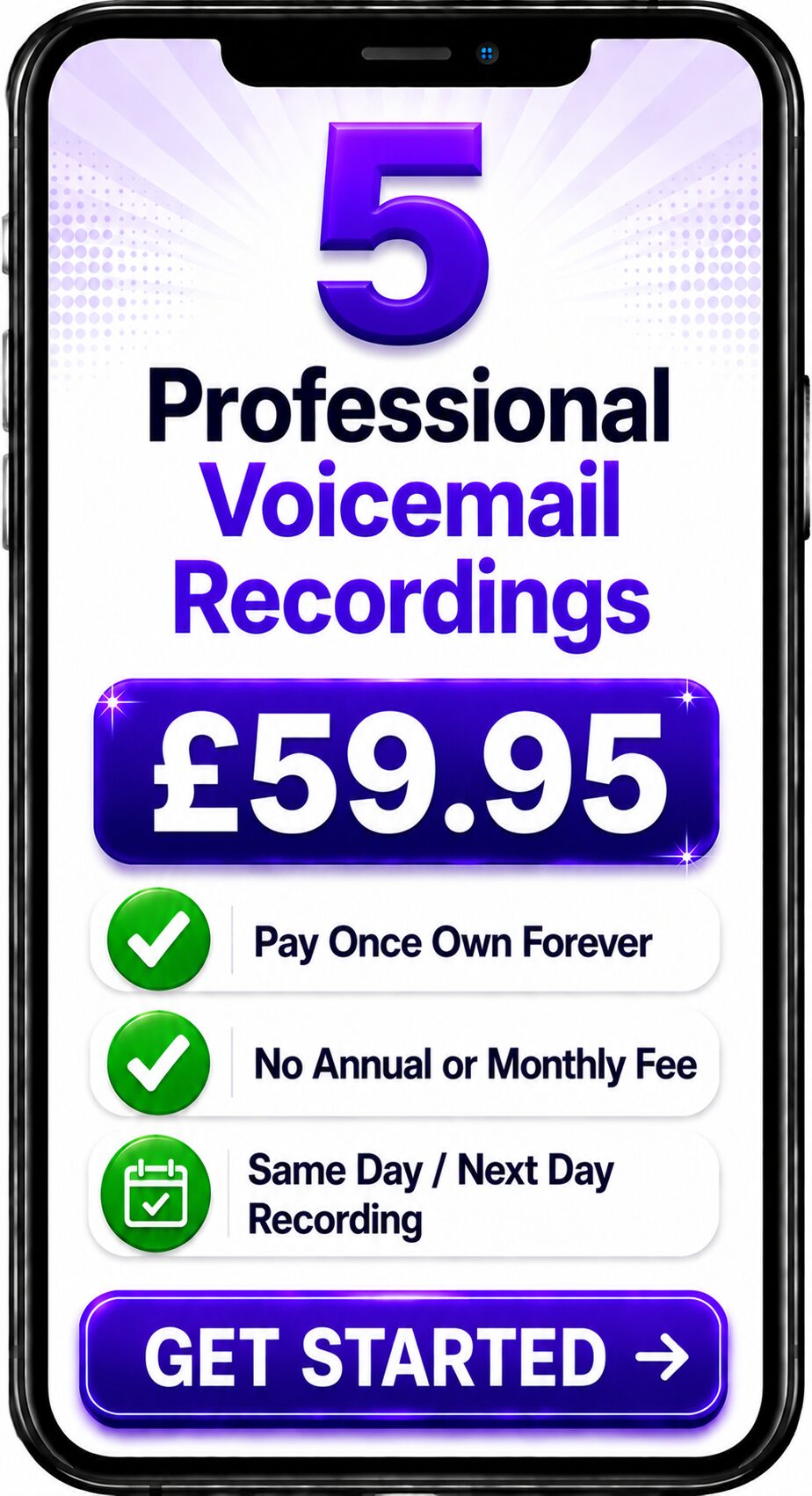
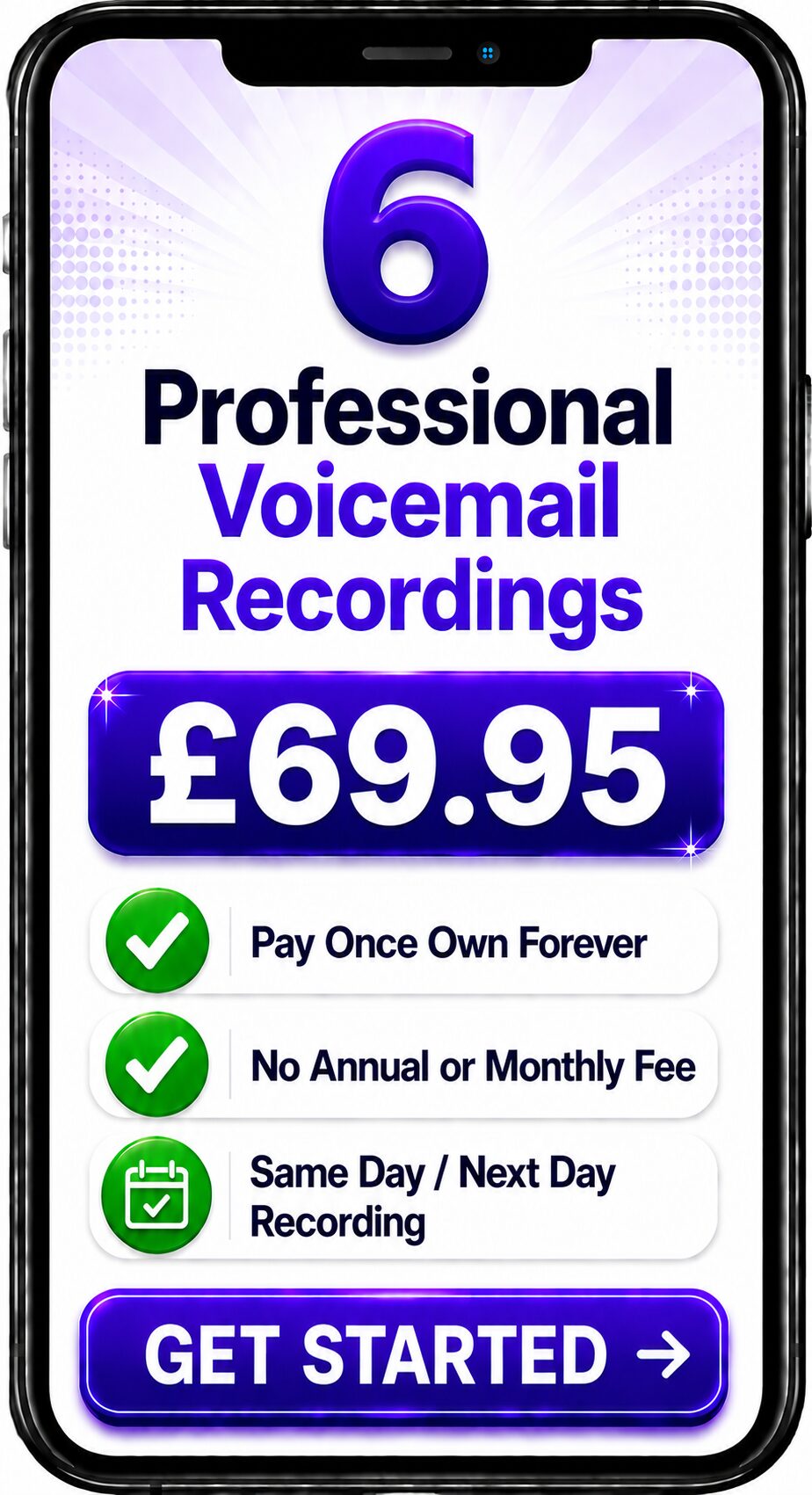
Choose Number of Recordings
Choose a Professional Voice Over


Spencer
Same Day / Next Day

Melanie
24 Hours / 48 Hours

Gemma
24 Hours / 48 Hours

Bethany
24 Hours / 48 Hours

Emily
24 Hours / 48 Hours
Spencer
Same Day / Next Day
The Complete Guide to Professional Greetings for Microsoft Teams Phone
Quick Answer
Microsoft Teams Phone is Microsoft's cloud-based business telephone system that enables organisations to make and receive calls using Microsoft Teams. It supports features such as Auto Attendants, Call Queues, Voicemail and IVR menus. Professionally recorded greetings help businesses using Microsoft Teams Phone create a consistent, welcoming and professional experience for every caller.
At a Glance
| Feature | Microsoft Teams Phone |
|---|---|
| Cloud Telephone System | ✔ Yes |
| Auto Attendant | ✔ Yes |
| Call Queues | ✔ Yes |
| Voicemail | ✔ Yes |
| IVR Menus | ✔ Yes |
| Works with Microsoft Teams | ✔ Yes |
| Professional Voice Recordings | ✔ Fully Supported |
About This Guide
This guide has been written by Spencer Cork, a professional British voice over artist with more than 30 years of experience recording telephone greetings, Auto Attendants, IVR prompts, voicemail greetings and call queue announcements for organisations using modern cloud communication platforms.
Whether your organisation has recently moved to Microsoft Teams Phone or is refreshing an existing deployment, professionally recorded greetings help ensure every caller experiences a consistent and professional first impression.
What is Microsoft Teams Phone?
Microsoft Teams Phone extends Microsoft Teams into a complete business telephone system.
Employees can make and receive calls from desktop computers, laptops, mobile devices or compatible desk phones while using a single business telephone number.
The platform is widely used because it integrates calling, messaging, meetings and collaboration into one communication environment.
Telephone Features
Microsoft Teams Phone typically supports:
- Auto Attendants
- Interactive Voice Response (IVR)
- Call Queues
- Business Voicemail
- Voicemail-to-email
- Call Routing
- Hunt Groups
- Department Greetings
- Out-of-Hours Messages
- Holiday Greetings
Each of these features benefits from professionally recorded voice prompts.
Recording Types You Can Use
Businesses commonly commission recordings for:
- Main company greeting
- Auto Attendant
- IVR menu prompts
- Department greetings
- Business voicemail
- Call Queue announcements
- Music on Hold messages
- Holiday greetings
- Emergency announcements
Using one consistent professional voice across every recording creates a seamless caller experience.
Why Professional Greetings Matter
Your Microsoft Teams Phone system may be highly advanced, but callers judge your business by the first voice they hear.
Professional recordings help create:
- stronger first impressions
- improved caller confidence
- consistent branding
- excellent clarity
- natural delivery
- improved accessibility
Technology connects the call.
The voice connects with the customer.
Example Microsoft Teams Phone Greeting
"Thank you for calling Spencer Cork Voice Over Services. If you know the extension you require, you may dial it at any time. For Voice Over Services press 1. For Voicemail Recording Services press 2. To speak with a member of our team, please remain on the line."
Spencer's Professional Insight
One advantage of Microsoft Teams Phone is how straightforward it is to update greetings as your business evolves.
However, I often hear organisations introducing new departments or changing working arrangements without updating their telephone recordings.
Keeping greetings current demonstrates attention to detail and helps callers feel confident they're contacting a well-managed organisation.
Common Mistakes
Avoid:
- recording greetings on laptop microphones
- using multiple voices across departments
- outdated opening hours
- menus with too many options
- poor audio quality
- inconsistent wording
- unnecessary background noise
Simple, clear recordings usually provide the best caller experience.
Best Practice Checklist
✔ Use one professional voice.
✔ Keep greetings concise.
✔ Review recordings regularly.
✔ Update seasonal messages promptly.
✔ Maintain consistent terminology.
✔ Test every call flow after changes.
✔ Keep menu options simple.
Frequently Asked Questions
Can Microsoft Teams Phone use professional greetings?
Yes. Professional recordings can be uploaded for Auto Attendants, Call Queues, voicemail greetings and other call handling features.
Can one voice record every Teams greeting?
Yes. Using one consistent professional voice helps reinforce your brand across every customer interaction.
Should voicemail greetings also be professionally recorded?
Absolutely. A professionally recorded voicemail greeting maintains a consistent customer experience when calls cannot be answered.
Are professional greetings suitable for small organisations?
Yes. Microsoft Teams Phone is used by businesses of every size, and professional greetings benefit organisations regardless of their scale.
How often should greetings be updated?
Review your recordings whenever your opening hours, departments or services change, and carry out a general review at least annually.
Related Guides
Continue exploring the Business Voice Communications Library:
- What is VoIP?
- What is Cloud Telephony?
- What is a Hosted PBX?
- What is an Auto Attendant?
- What is Interactive Voice Response (IVR)?
- Business Voicemail
- Professional Telephone Greetings
- Call Queue Messages
- Music on Hold
- Business Voice Branding
Professional Microsoft Teams Phone Recordings
Microsoft Teams Phone provides a powerful communications platform for modern businesses.
Professionally recorded greetings, Auto Attendant prompts, IVR menus, voicemail messages and Call Queue announcements ensure that every caller experiences the same professional standard from the moment their call is answered.
Whether you're deploying Microsoft Teams Phone for the first time or updating an existing system, professionally recorded voice prompts help your organisation sound polished, consistent and customer-focused.
Contact the Team
Get a Fast Answer to Your Question
How To Order
Voicemail Recordings Video Guide