Gamma Phone Greetings
Professional Voice Recordings for Gamma Business Telephone Systems
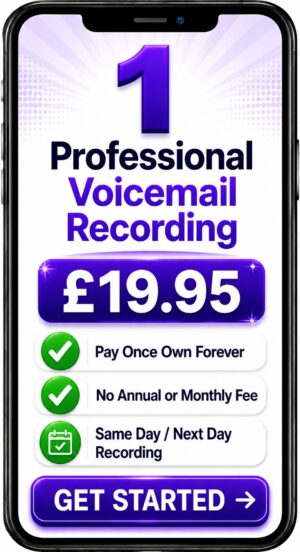


Choose a Professional Voice Over Artist for Your Recording
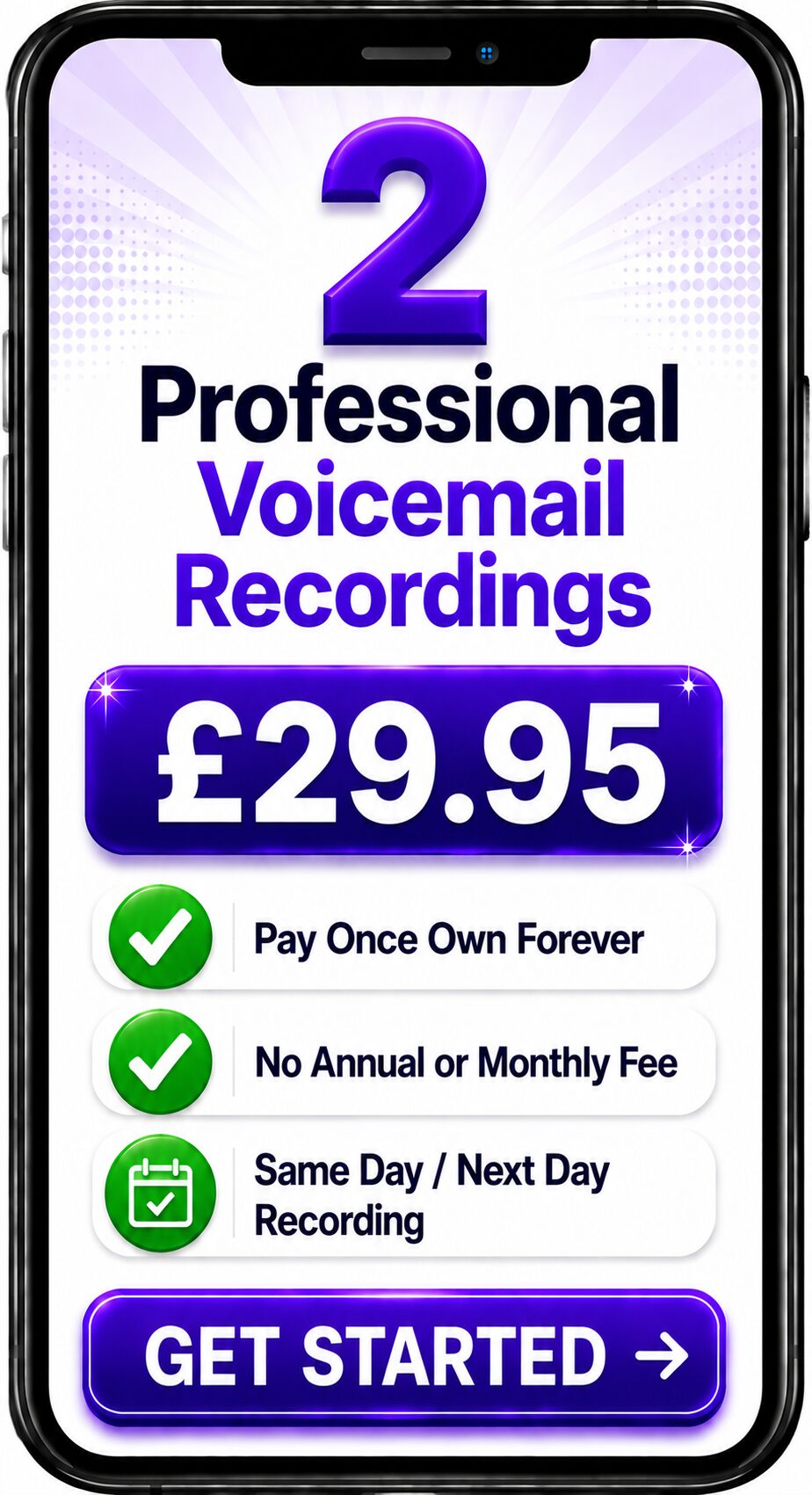
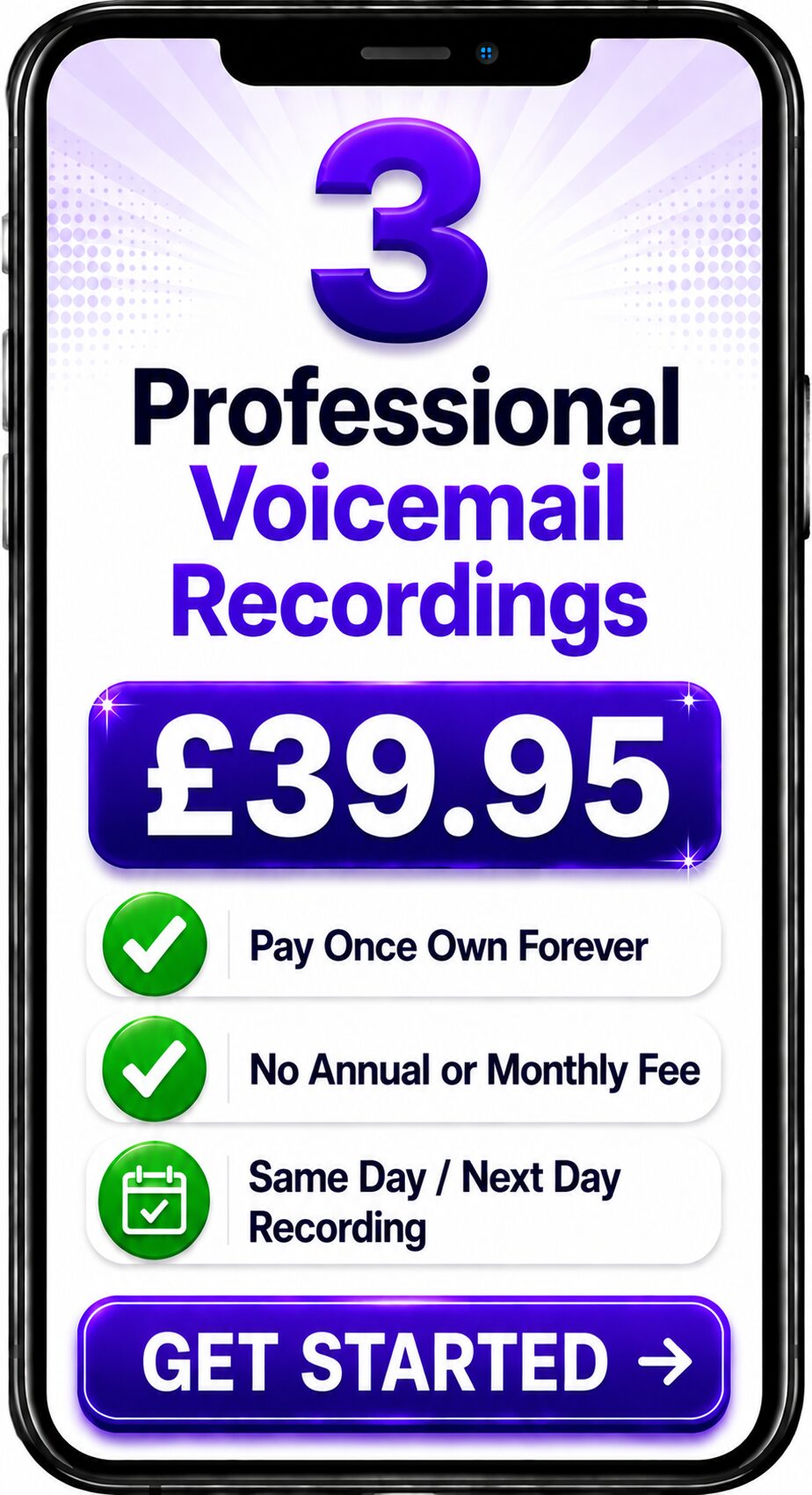
Choose Number of Recordings
Choose a Professional Voice Over


Spencer
Same Day / Next Day
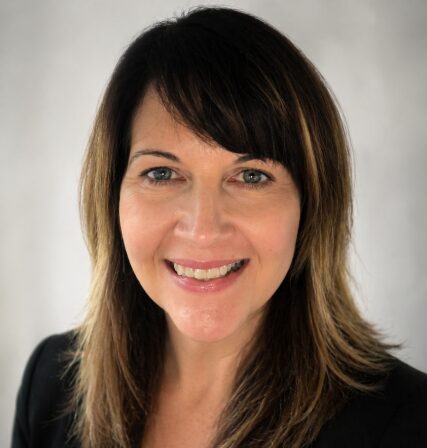
Melanie
24 Hours / 48 Hours

Gemma
24 Hours / 48 Hours
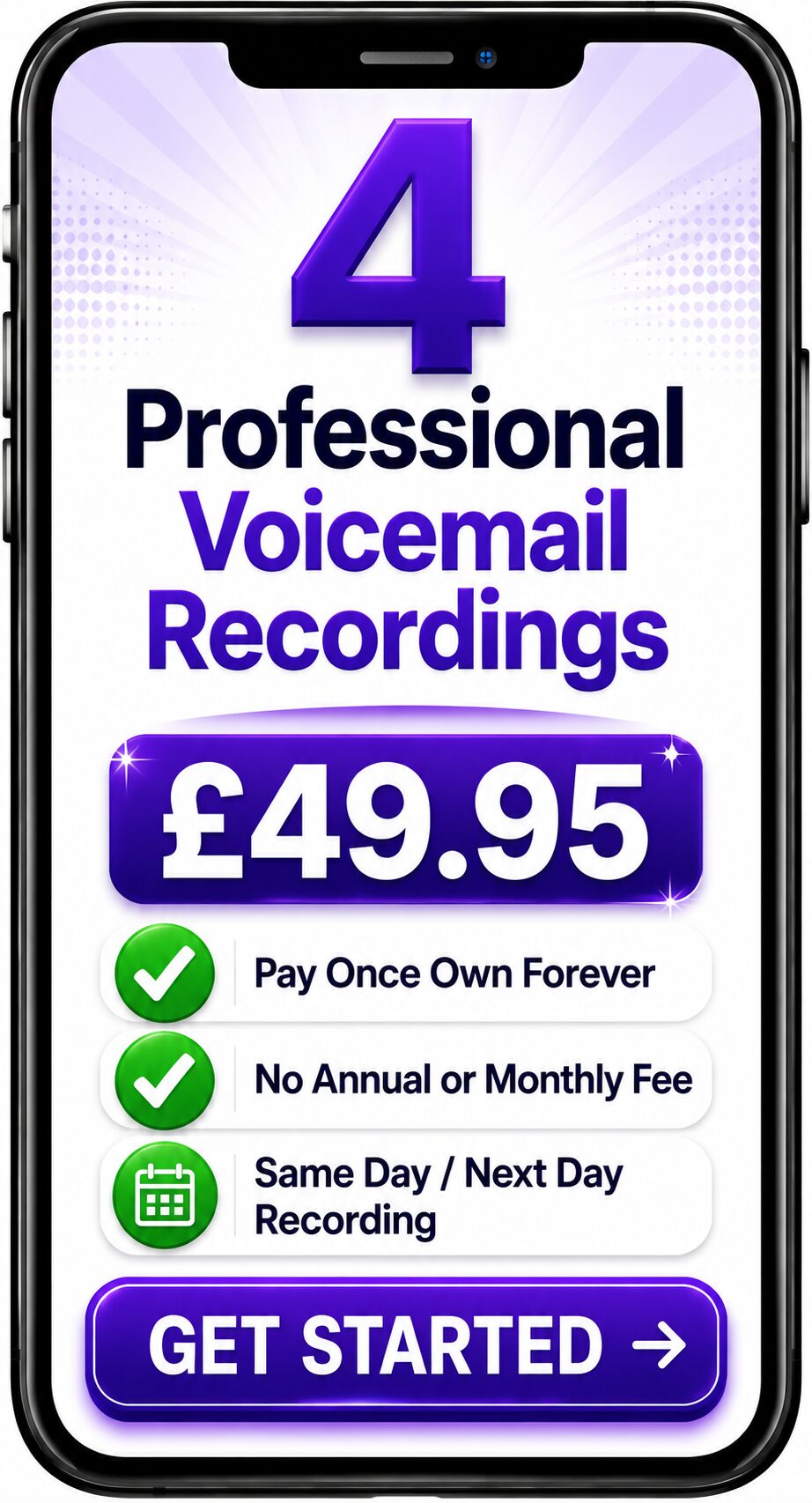
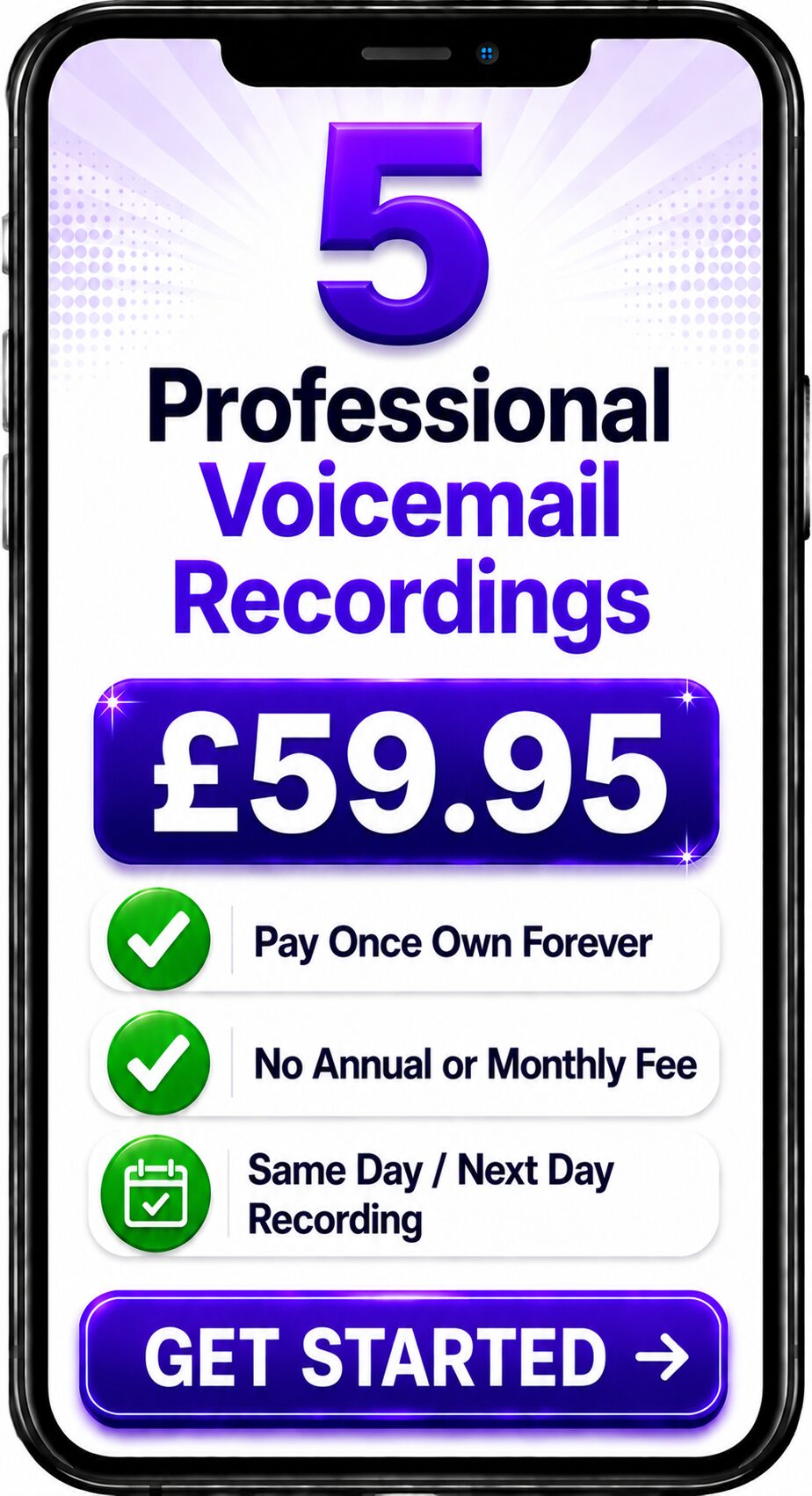
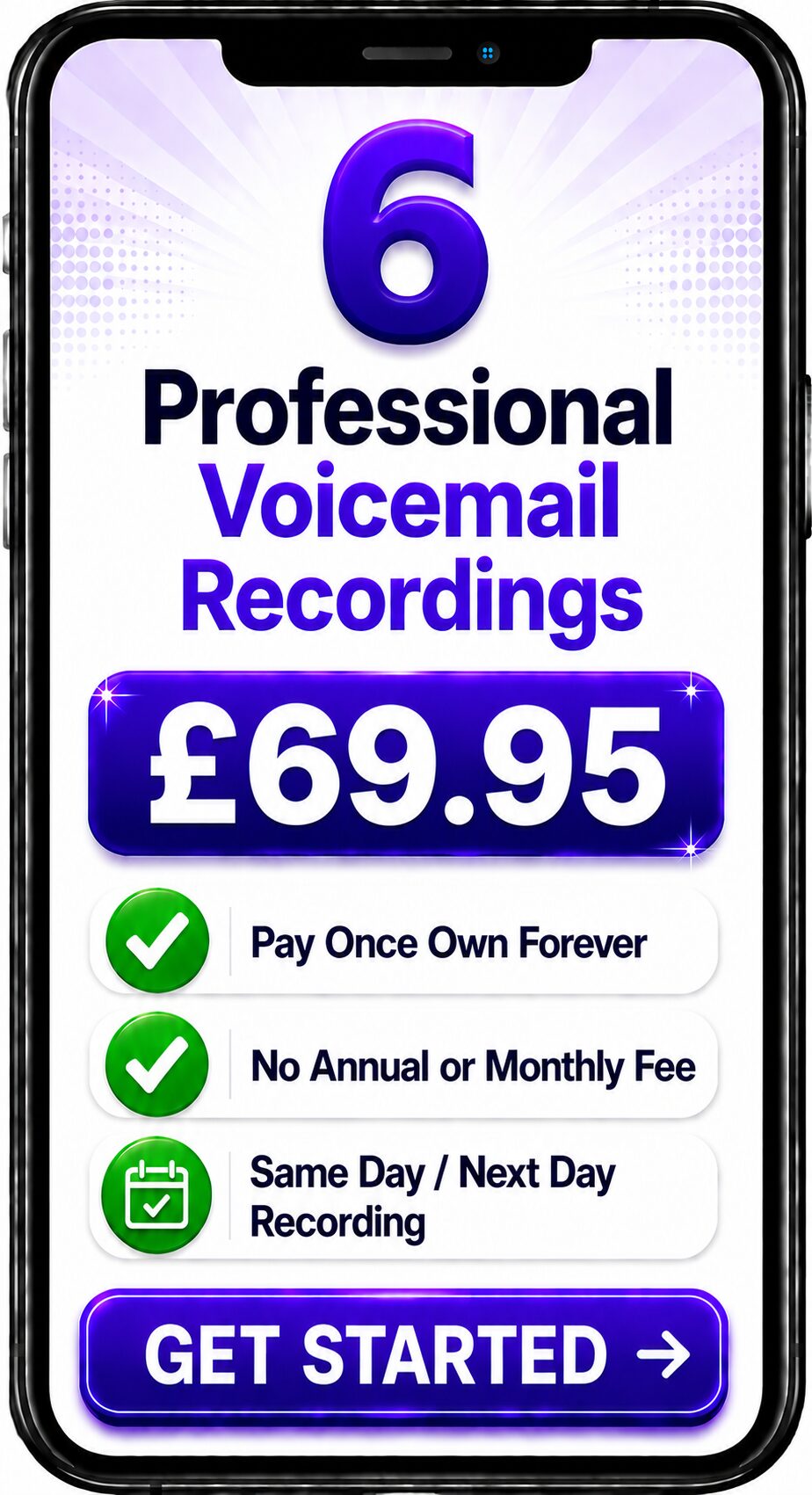

Bethany
24 Hours / 48 Hours

Emily
24 Hours / 48 Hours
Spencer
Same Day / Next Day
Professional Voice Recordings for Gamma Business Telephone Systems
Businesses using Gamma telephone systems rely on clear, professional voice recordings to create a positive first impression every time the phone rings. Whether a caller reaches your Auto Attendant, IVR menu, voicemail or call queue, the quality of your recorded messages has a direct impact on how your organisation is perceived.
Professionally recorded Gamma phone greetings help businesses present a consistent, polished and trustworthy image while guiding callers quickly to the right person or department.
What are Gamma Phone Greetings?
Gamma phone greetings are professionally recorded audio messages used throughout Gamma's cloud-based business telephone systems.
These recordings may include:
- Welcome greetings
- Auto Attendant announcements
- IVR menu prompts
- Business voicemail greetings
- Department greetings
- Call queue announcements
- Music on Hold messages
- Out of hours greetings
- Holiday messages
- Emergency announcements
Together these recordings create a complete telephone experience that reflects your organisation's professionalism.
Why Professional Recordings Matter
Many businesses initially record greetings using a desk phone or mobile handset.
Although this may seem convenient, callers quickly notice the difference.
Professional recordings deliver:
- Consistent audio quality
- Clear pronunciation
- Broadcast-quality production
- Better customer confidence
- Stronger brand perception
- Easier navigation through your phone system
- A more welcoming caller experience
Your telephone greeting is often the first interaction a customer has with your business. Making a positive first impression can influence how your organisation is remembered.
Typical Gamma Greeting Structure
A professionally designed Gamma phone system may include:
Main Greeting
"Thank you for calling ABC Company."
Auto Attendant
"For Sales press 1.
For Customer Support press 2.
For Accounts press 3."
Department Greeting
"You've reached our Sales Team. Please hold while we connect your call."
Call Queue Announcement
"All of our advisers are currently assisting other customers. Please remain on the line."
Voicemail Greeting
"Please leave your name, number and a brief message after the tone."
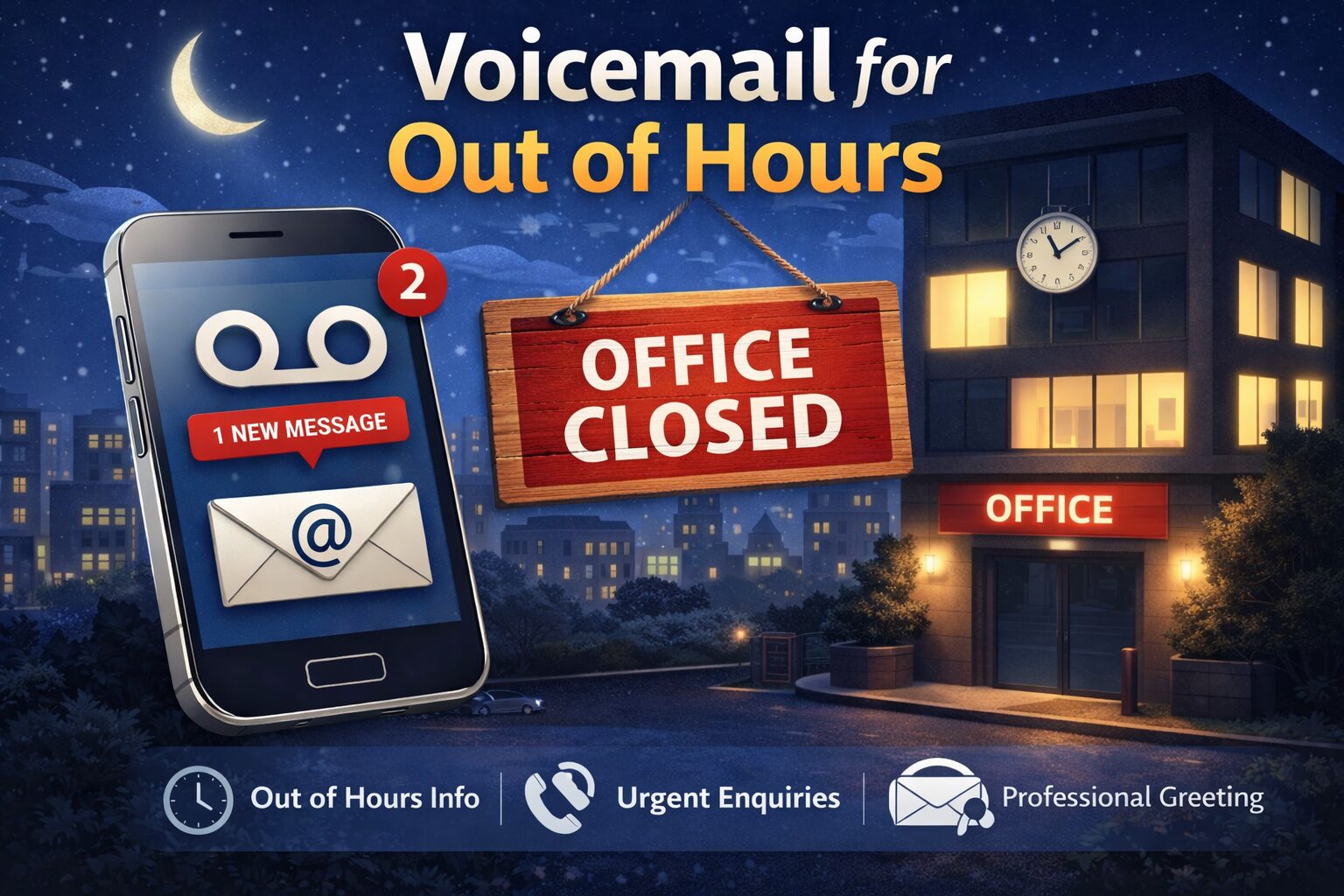
Out of Hours Greeting
"Our offices are currently closed. We reopen at 8:30am Monday."
Every message should sound like part of the same brand by using one consistent professional voice.
Gamma Features That Benefit from Professional Voice Recordings
Gamma supports a wide range of call handling features, including:
- Auto Attendants
- Interactive Voice Response (IVR)
- Business Voicemail
- Hunt Groups
- Call Queues
- Music on Hold
- Department Greetings
- Holiday Greetings
- Emergency Messages
Each feature benefits from clear, professionally recorded audio that helps callers understand where they are and what to do next.
Best Practice for Gamma Greetings
Effective recordings are:
Short
Keep introductions concise.
Friendly
Speak naturally without sounding scripted.
Consistent
Use the same voice across every recording.
Informative
Give callers only the information they need.
Up to Date
Review greetings whenever your business changes opening hours, departments or services.
Why Use the Same Voice Throughout Your Gamma Phone System?
Using one professional voice throughout your Gamma system creates consistency.
Customers recognise your business more easily.
Departments sound connected.
Your company appears larger, more organised and more established.
This approach is known as Business Voice Branding and helps reinforce your organisation's identity every time someone calls.
Professional Gamma Voice Recordings
Spencer Cork records professional voice prompts for Gamma business telephone systems, including:
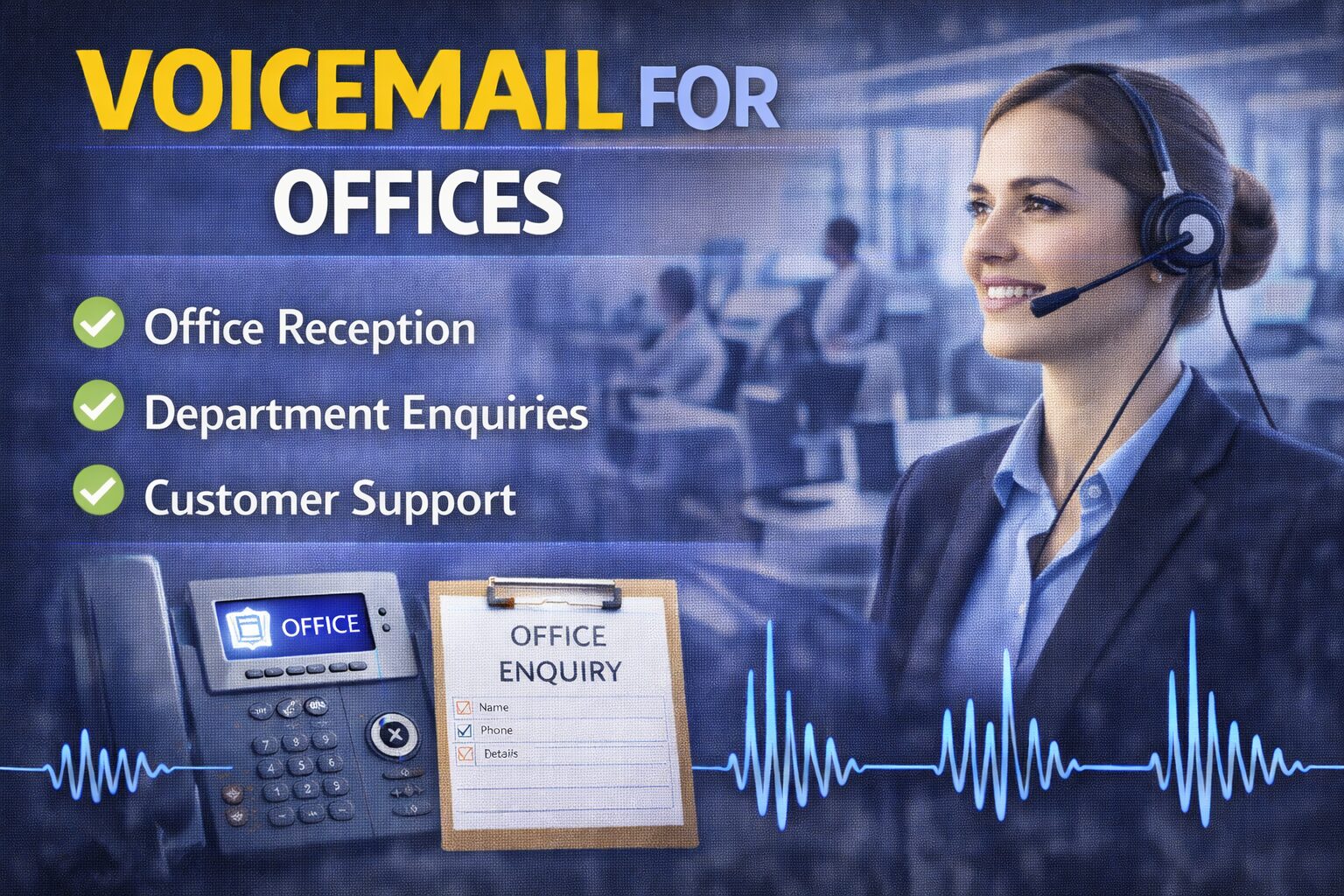
- Auto Attendant greetings
- IVR prompts
- Business voicemail
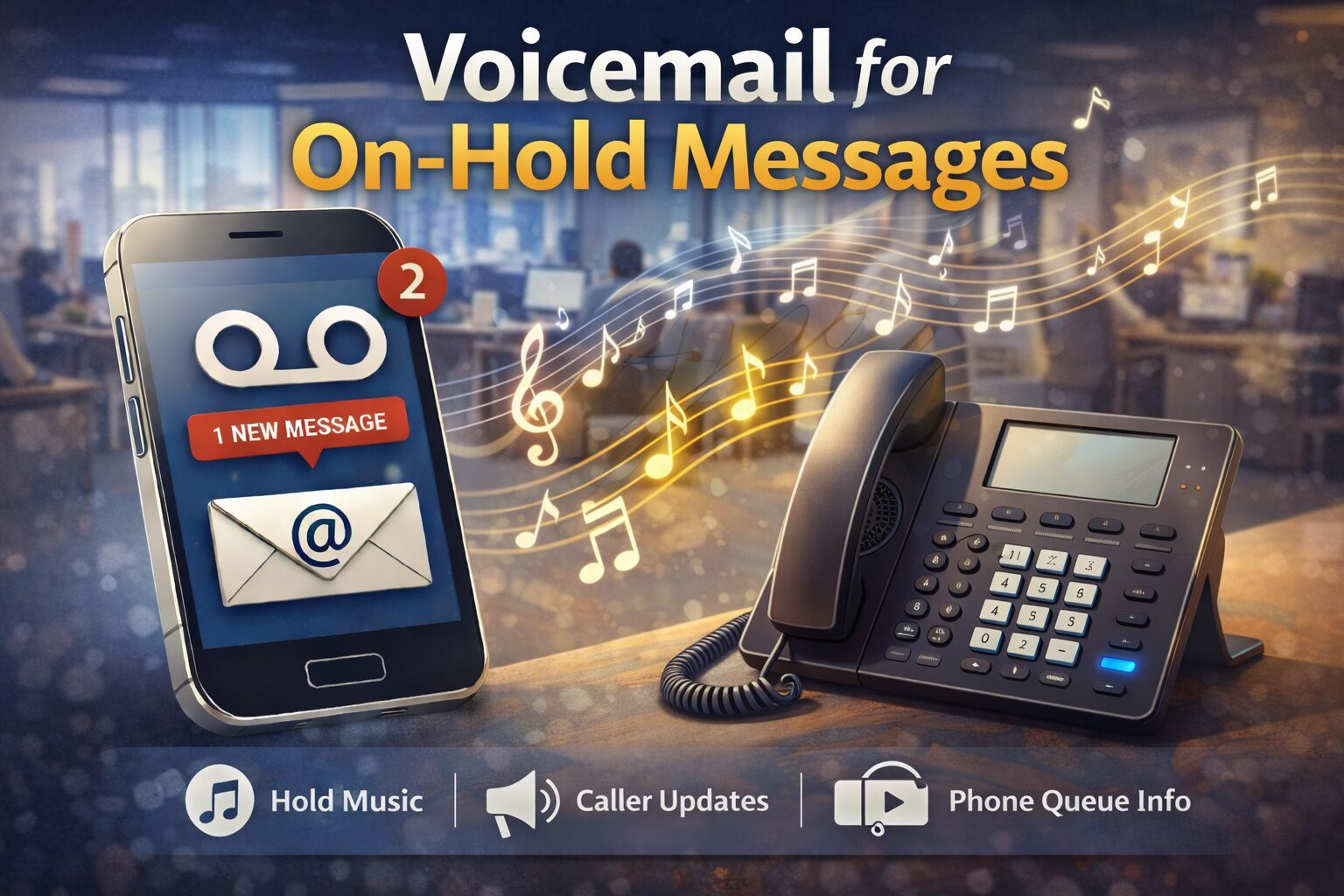
- Call queue announcements
- Music on Hold messages
- Department greetings
- Holiday messages
- Emergency recordings
Every recording is produced in a broadcast-quality studio and supplied in formats suitable for Gamma telephone systems.
Frequently Asked Questions
Can Gamma use professionally recorded greetings?
Yes. Gamma telephone systems support professionally recorded greetings for Auto Attendants, IVR menus, voicemail, call queues and other call handling features.
Which audio format should I upload?
Gamma systems commonly support standard audio formats such as WAV files. Always check your specific Gamma deployment or provider documentation for the preferred format, sample rate and encoding requirements.
Can I replace existing greetings?
Yes.
You can update your greetings whenever your business changes opening hours, departments, promotions or services.
Should every department use the same voice?
Yes.
Using one consistent voice strengthens your brand and creates a more professional caller experience.
Related Guides
This guide forms part of the Business Voice Communications Knowledge Library.
You may also find these guides useful:
- What is Interactive Voice Response (IVR)?
- What is an Auto Attendant?
- What is VoIP?
- What is Cloud Telephony?
- What is a Hosted PBX?
- Business Voicemail
- Professional Telephone Greetings
- Call Queue Messages
- Music on Hold
- Business Voice Branding
Conclusion
Gamma provides businesses with a flexible cloud communications platform, but the technology is only part of the caller experience. Professionally recorded greetings, IVR prompts, voicemail messages and call queue announcements help ensure every interaction sounds clear, consistent and professional.
Whether you're deploying a new Gamma phone system or refreshing an existing one, investing in high-quality voice recordings enhances your brand, improves customer confidence and creates a better experience from the very first call.
Contact the Team
Get a Fast Answer to Your Question
How To Order
Voicemail Recordings Video Guide

























Explore Related Gamma Business Phone Greeting Services
Gamma business phone systems help organisations deliver reliable cloud communications, VoIP telephony and unified business calling. Professionally recorded greetings, IVR prompts, auto attendant messages and on-hold announcements ensure every caller receives a consistent, professional and welcoming experience while reinforcing your organisation's brand. Explore these related business telephone voice over services.
Wildix Phone Greetings
Professional greetings for Wildix business phone systems, unified communications and cloud telephony.
Learn more →
https://spencercork.co.uk/phone-systems-wildix-phone-greetings/
Dialpad Phone Greetings
Professional recordings for Dialpad AI-powered business communications, cloud telephony and customer support.
Learn more →
https://spencercork.co.uk/phone-systems-dialpad-phone-greetings/
Aircall Phone Greetings
Professional voice recordings for Aircall cloud phone systems, sales teams and customer service operations.
Learn more →
https://spencercork.co.uk/phone-systems-aircall-phone-greetings/
Voice Over for VoIP Phone Systems
Professional recordings for VoIP business communications, hosted telephone systems and cloud platforms.
Learn more →
https://spencercork.co.uk/voice-over-for-voip-phone-systems/
Voice Over for Cloud Telephony
Professional recordings for hosted PBX systems, cloud communications and modern business telephone platforms.
Learn more →
https://spencercork.co.uk/voice-over-for-cloud-telephony/
Voice Over for Telephone Systems and IVR
Professional recordings for IVR menus, automated attendants and intelligent business call routing.
Learn more →
https://spencercork.co.uk/voice-over-for-telephone-systems-and-ivr/
Voice Over for Auto Attendants
Professional auto attendant recordings that welcome callers and direct them quickly to the appropriate department.
Learn more →
https://spencercork.co.uk/voice-over-for-auto-attendants/
Voice Over for On Hold Messages
Professional on-hold messaging that keeps callers informed while promoting your products, services and organisation.
Learn more →
https://spencercork.co.uk/voice-over-for-on-hold-messages/
Professional Phone Voice Over
Professional recordings for office telephone systems, customer communications and business telephony.
Learn more →
https://spencercork.co.uk/professional-phone-voice-over/
Voice Over Artist UK
Discover Spencer Cork's professional British voice over services for Gamma business phone systems, cloud communications and enterprise telephony.
Learn more →
https://spencercork.co.uk/voice-over-artist-uk/
Continue Exploring Gamma Phone Greeting Services
Professionally recorded Gamma phone greetings help businesses create a polished, professional and consistent caller experience from the moment every call connects. Whether you're implementing Gamma cloud telephony, updating IVR menus, refreshing auto attendant prompts or improving everyday customer communications, broadcast-quality voice recordings reinforce your brand while making every caller journey clearer and more efficient. Continue exploring the Gamma Phone Greetings page to discover additional cloud business telephone voice over services, VoIP communication solutions and professional British voice over expertise.