Zendesk Talk Voice Prompts
Professional Voice Recordings for Zendesk Talk Phone Systems


Choose a Professional Voice Over Artist for Your Recording
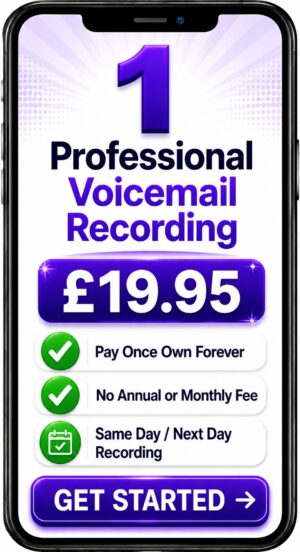
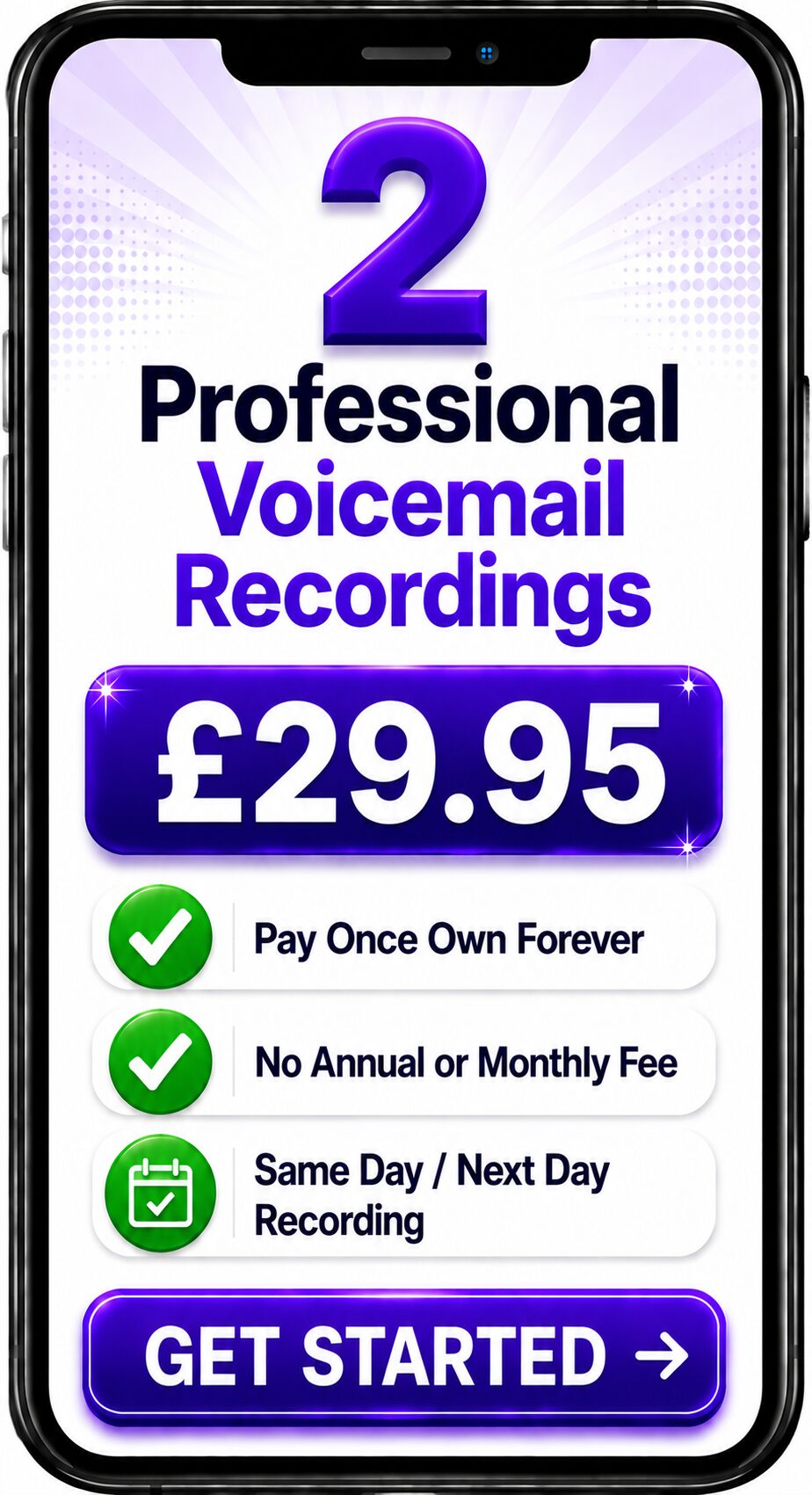
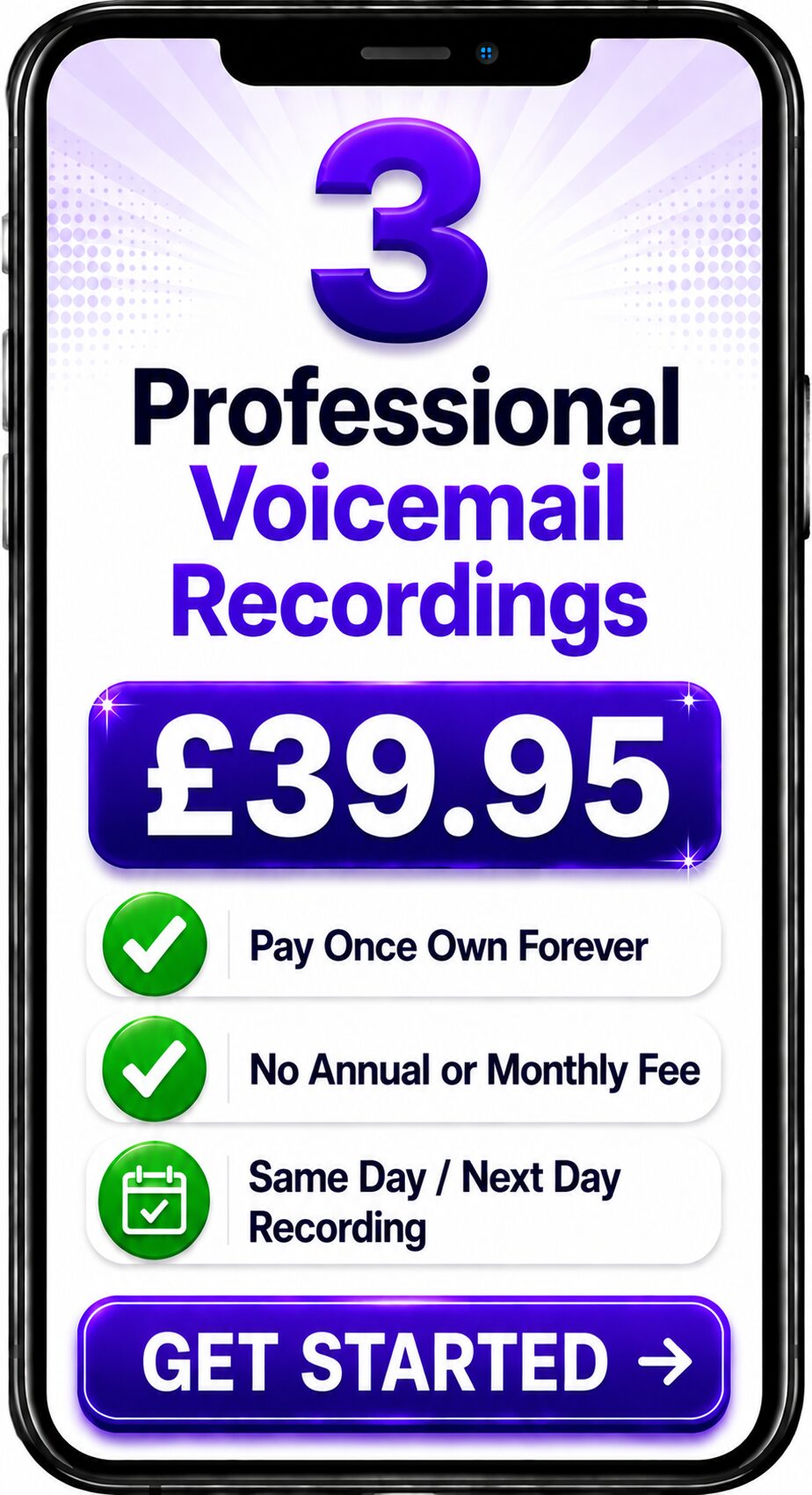
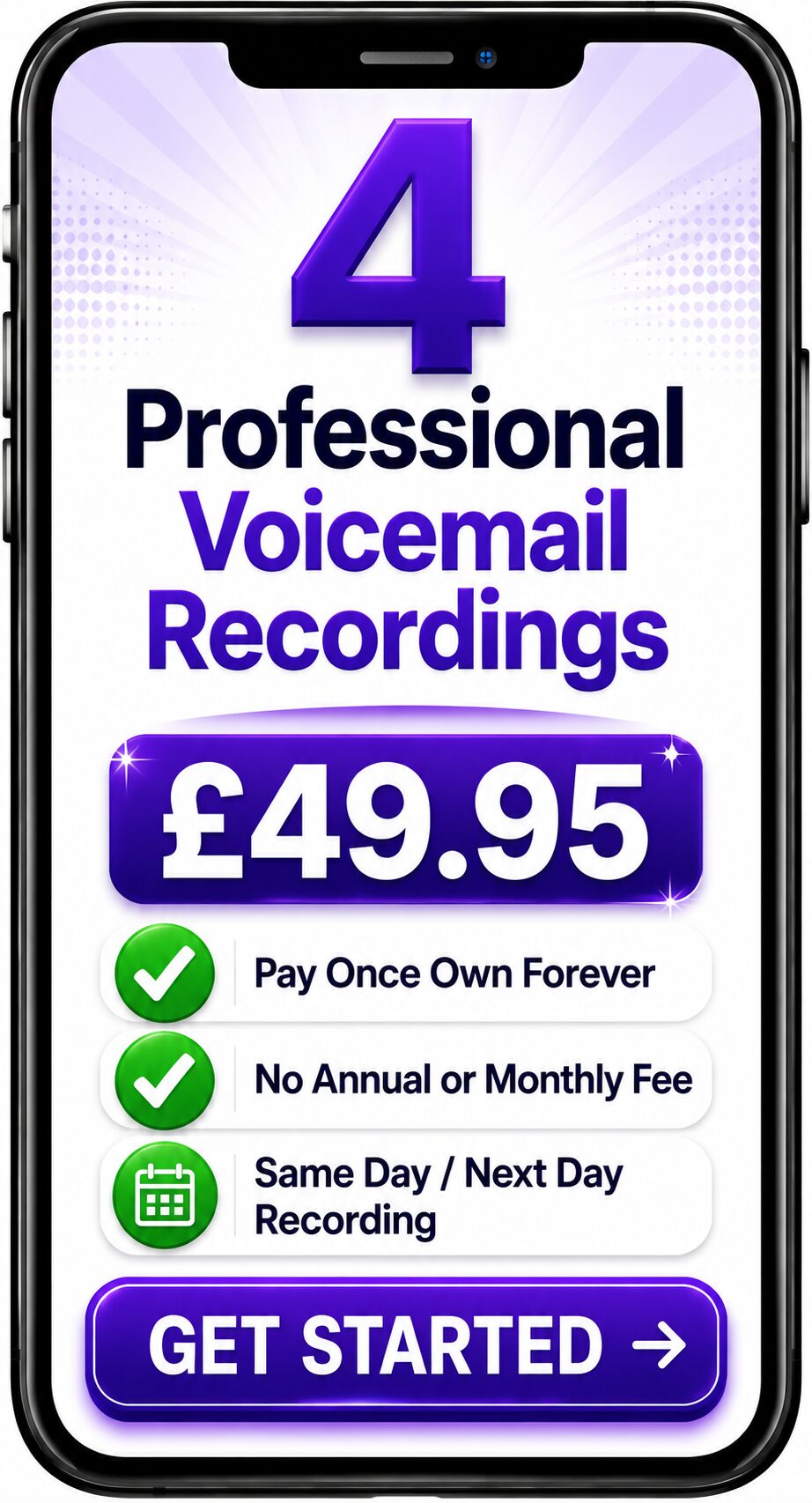
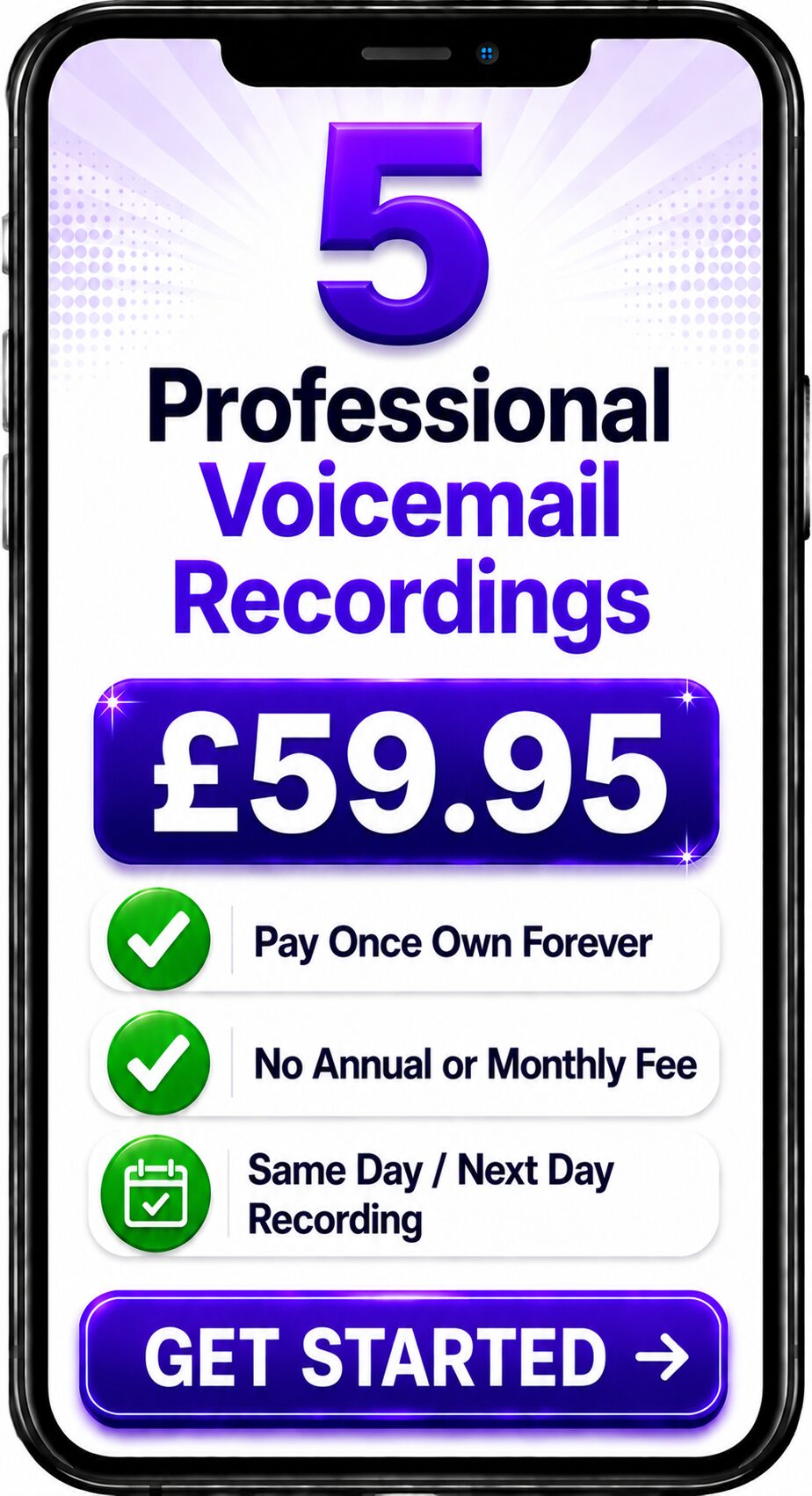
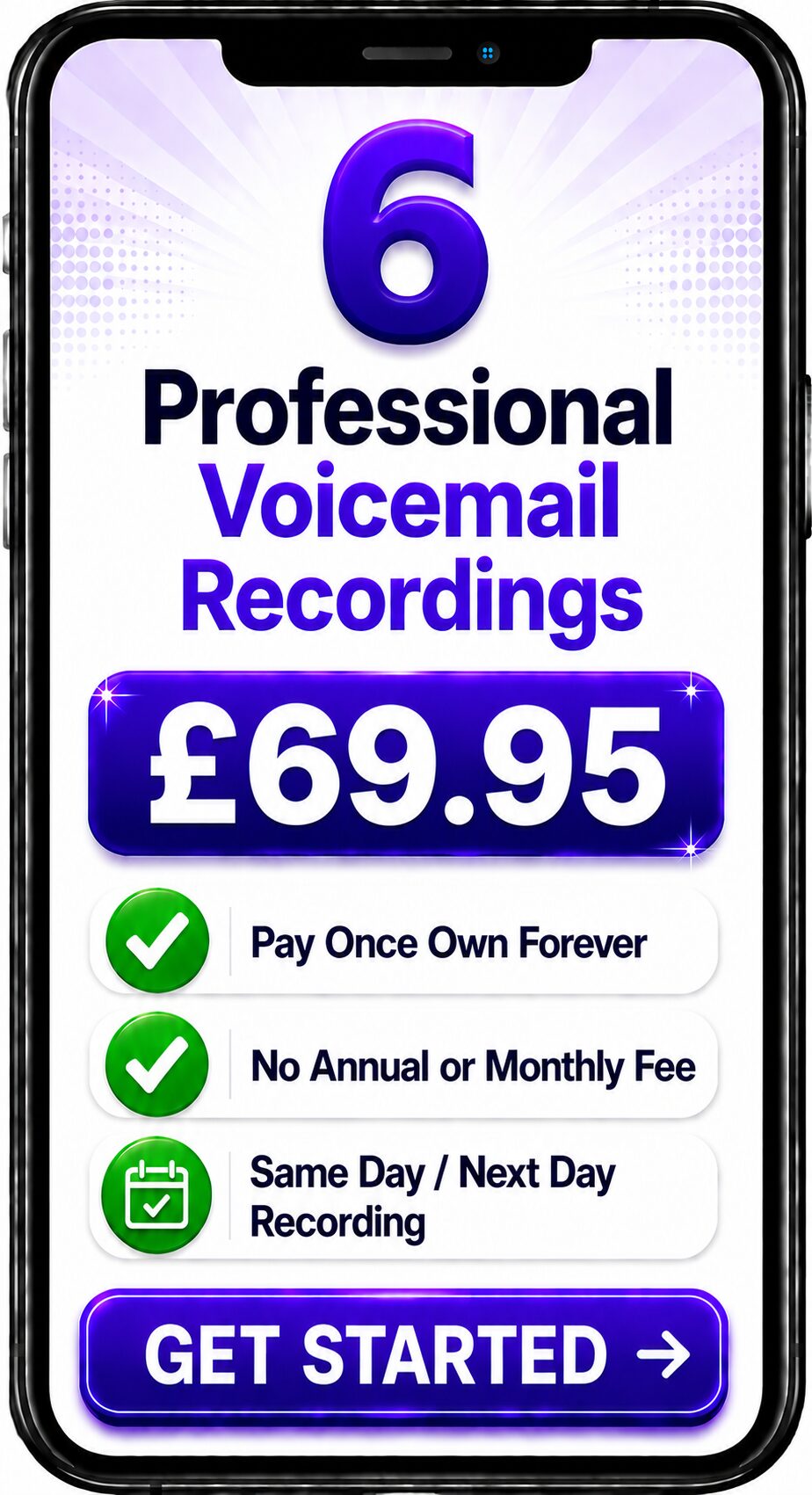
Choose Number of Recordings
Choose a Professional Voice Over


Spencer
Same Day / Next Day

Melanie
24 Hours / 48 Hours

Gemma
24 Hours / 48 Hours

Bethany
24 Hours / 48 Hours

Emily
24 Hours / 48 Hours
Spencer
Same Day / Next Day
Professional Voice Recordings for Zendesk Talk Phone Systems
Great customer service begins with a professional first impression.
Before a customer speaks to an agent, they often hear a welcome greeting, an Interactive Voice Response (IVR) menu, queue announcements or voicemail message. These recordings help guide callers, reinforce your brand and shape the overall customer experience.
Zendesk Talk is the cloud telephony solution within the Zendesk customer service platform. It combines business telephony with ticketing, customer history and support workflows, allowing organisations to deliver more connected customer service experiences.
Professionally recorded voice prompts ensure every interaction sounds clear, welcoming and consistent while helping callers navigate your phone system quickly and confidently.
What are Zendesk Talk Voice Prompts?
Zendesk Talk voice prompts are professionally recorded audio messages used throughout a Zendesk Talk deployment.
These recordings welcome callers, provide information and guide customers through automated call routing before they are connected with the most appropriate support agent.
Typical recordings include:
- Welcome greetings
- Interactive Voice Response (IVR) prompts
- Call queue announcements
- Business voicemail greetings
- Department greetings
- Out of hours messages
- Holiday greetings
- Estimated wait time announcements
- Callback option messages
- Customer satisfaction survey invitations
- Emergency information recordings
- General information messages
Together these recordings provide a smooth and professional customer journey.
Why Professional Voice Prompts Matter
Every telephone conversation begins with a voice.
Professional recordings help organisations:
- Create a strong first impression
- Build customer confidence
- Improve caller navigation
- Reduce abandoned calls
- Improve self-service success
- Reinforce brand consistency
- Deliver a better customer experience
Even a simple welcome greeting reflects the professionalism of your business.
Zendesk Talk Features That Benefit from Professional Voice Recordings
Welcome Greetings
Introduce your business with a warm and professional welcome.
Interactive Voice Response (IVR)
Guide callers to the correct department using clear menu options.
Queue Announcements
Keep customers informed while they wait for an available agent.
Business Voicemail
Record professional voicemail greetings whenever your team is unavailable.
Department Greetings
Provide customised greetings for Sales, Customer Service, Accounts and Technical Support.
Out of Hours Messages
Inform callers of opening hours and alternative ways to contact your business.
Customer Surveys
Introduce post-call customer satisfaction surveys with consistent professional branding.
Example Zendesk Talk Greeting
"Thank you for calling Spencer Cork Voice Over Services.
Please listen carefully while we connect you with the right member of our team.
For Customer Support, press 1.
For Sales, press 2.
For Accounts, press 3.
To hear these options again, press the star key."
A professionally recorded greeting reassures customers while making navigation simple and intuitive.
Best Practice for Zendesk Talk Voice Prompts
Professional recordings should always be:
Clear
Use concise language that is easy to follow.
Friendly
Speak naturally and confidently.
Consistent
Use the same professional voice across every recording.
Well Organised
Keep menu structures simple and logical.
Regularly Updated
Review recordings whenever departments, services or opening hours change.
Customer Experience Voice Branding
Every recording contributes to your organisation's identity.
Using one professional voice across your Zendesk Talk deployment creates consistency throughout:
- Welcome greetings
- IVR menus
- Queue announcements
- Department greetings
- Voicemail greetings
- Customer surveys
- Out of hours announcements
This consistency helps customers immediately recognise your organisation and creates a more professional overall experience.
Why Organisations Choose Professional Voice Recordings
Professional recordings help organisations:
- Improve customer confidence
- Reduce caller confusion
- Strengthen brand recognition
- Improve navigation through IVR menus
- Deliver consistent customer communications
- Support customer service teams
- Improve the overall support experience
Professional Zendesk Talk Voice Recording Services
Spencer Cork provides broadcast-quality voice recordings for organisations using Zendesk Talk.
Recording services include:
- Welcome greetings
- IVR prompts
- Queue announcements
- Department greetings
- Business voicemail
- Out of hours messages
- Holiday greetings
- Customer survey introductions
- Callback announcements
- Information recordings
- Emergency messages
Every recording is professionally produced and supplied in audio formats suitable for Zendesk Talk deployments.
Frequently Asked Questions
Can Zendesk Talk use professionally recorded greetings?
Yes.
Zendesk Talk supports professionally recorded greetings, IVR prompts, voicemail greetings and queue announcements.
Can I upload my own recordings?
Yes.
Administrators can upload professionally recorded audio files for supported greetings, IVR menus and customer interactions.
Which audio format should I use?
Use the audio format recommended by Zendesk Talk or your telephone system administrator to ensure compatibility and high-quality playback.
Should every recording use the same voice?
Yes.
Using one professional voice throughout your Zendesk Talk deployment creates consistency, strengthens your brand and delivers a more professional customer experience.
Who Uses Zendesk Talk?
Zendesk Talk is widely used by:
- Customer support teams
- SaaS companies
- Retail businesses
- Financial services
- Healthcare organisations
- Professional services firms
- Technology companies
- E-commerce businesses
- Managed service providers
- Growing customer service teams
Its integration with the Zendesk customer service platform makes it particularly valuable for organisations wanting a unified support environment.
Typical Zendesk Talk Recordings
| Recording Type | Purpose |
|---|---|
| Welcome Greeting | Introduces your organisation and welcomes callers. |
| IVR Prompt | Directs callers to the correct department. |
| Queue Announcement | Keeps callers informed while waiting. |
| Business Voicemail | Records customer messages when agents are unavailable. |
| Department Greeting | Introduces specialist support teams. |
| Out of Hours Greeting | Advises callers of opening hours and alternative contact methods. |
| Callback Message | Offers customers the opportunity to receive a callback. |
| Survey Invitation | Introduces post-call customer satisfaction surveys. |
Related Guides
This guide forms part of the Business Voice Communications Knowledge Library.
Related resources include:
- Contact Centre Voice Prompts (SC-1030)
- NICE CXone Voice Prompts (SC-1031)
- Amazon Connect Voice Prompts (SC-1032)
- Five9 Voice Prompts (SC-1033)
- Talkdesk Voice Prompts (SC-1034)
- Cisco Contact Center Voice Prompts (SC-1035)
- Avaya Experience Platform Voice Prompts (SC-1036)
- Interactive Voice Response (IVR)
- Business Voicemail
- Customer Experience Voice Branding
Conclusion
Zendesk Talk combines cloud telephony with one of the world's most widely used customer service platforms, helping organisations deliver efficient and connected support experiences.
Professionally recorded voice prompts ensure every greeting, IVR menu, queue announcement and voicemail message reflects the quality of your organisation. By combining Zendesk Talk's customer service capabilities with broadcast-quality voice recordings, businesses can improve customer confidence, simplify call handling and deliver a consistent, professional experience from the first ring to the final conversation.
Contact the Team
Get a Fast Answer to Your Question
How To Order
Voicemail Recordings Video Guide

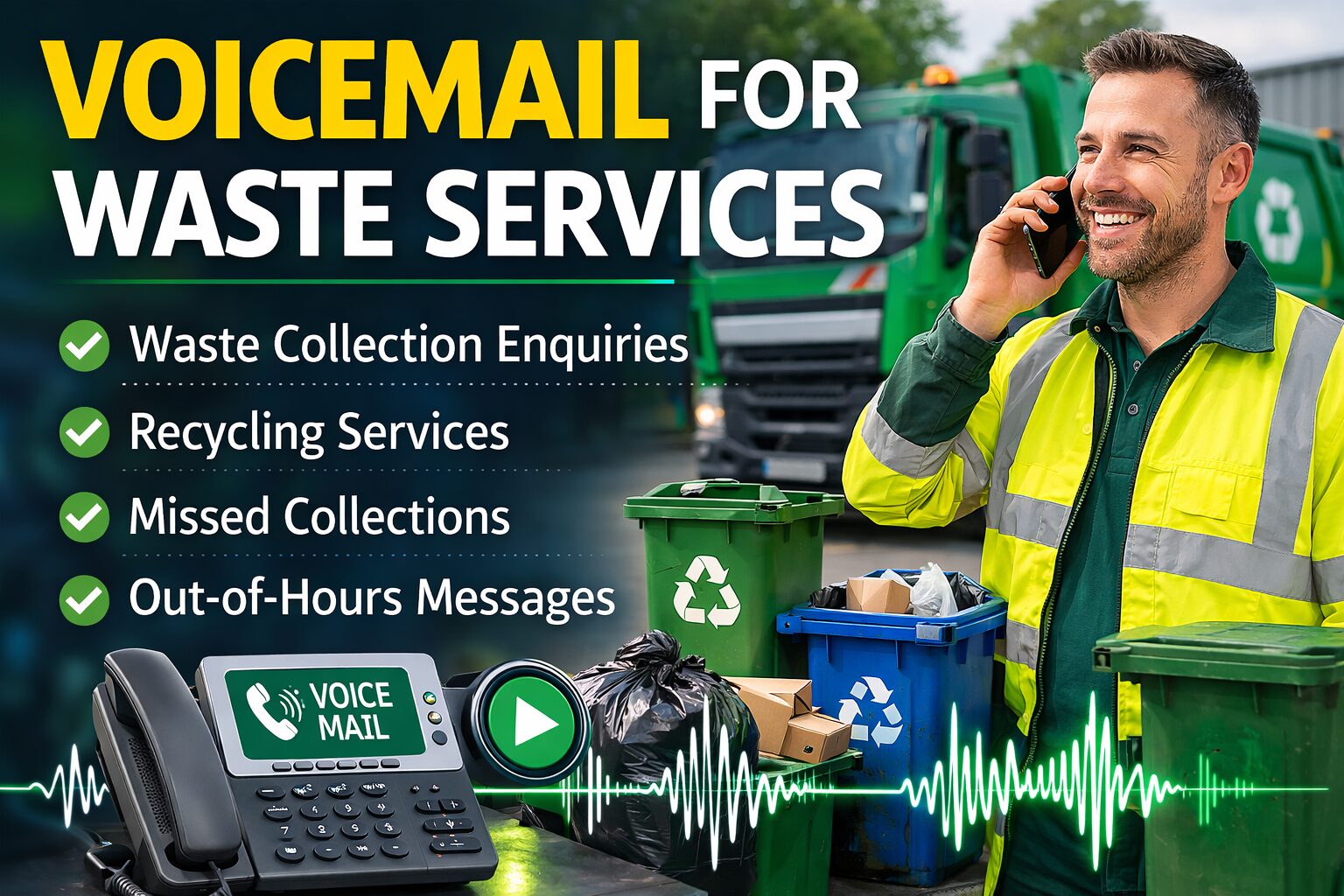






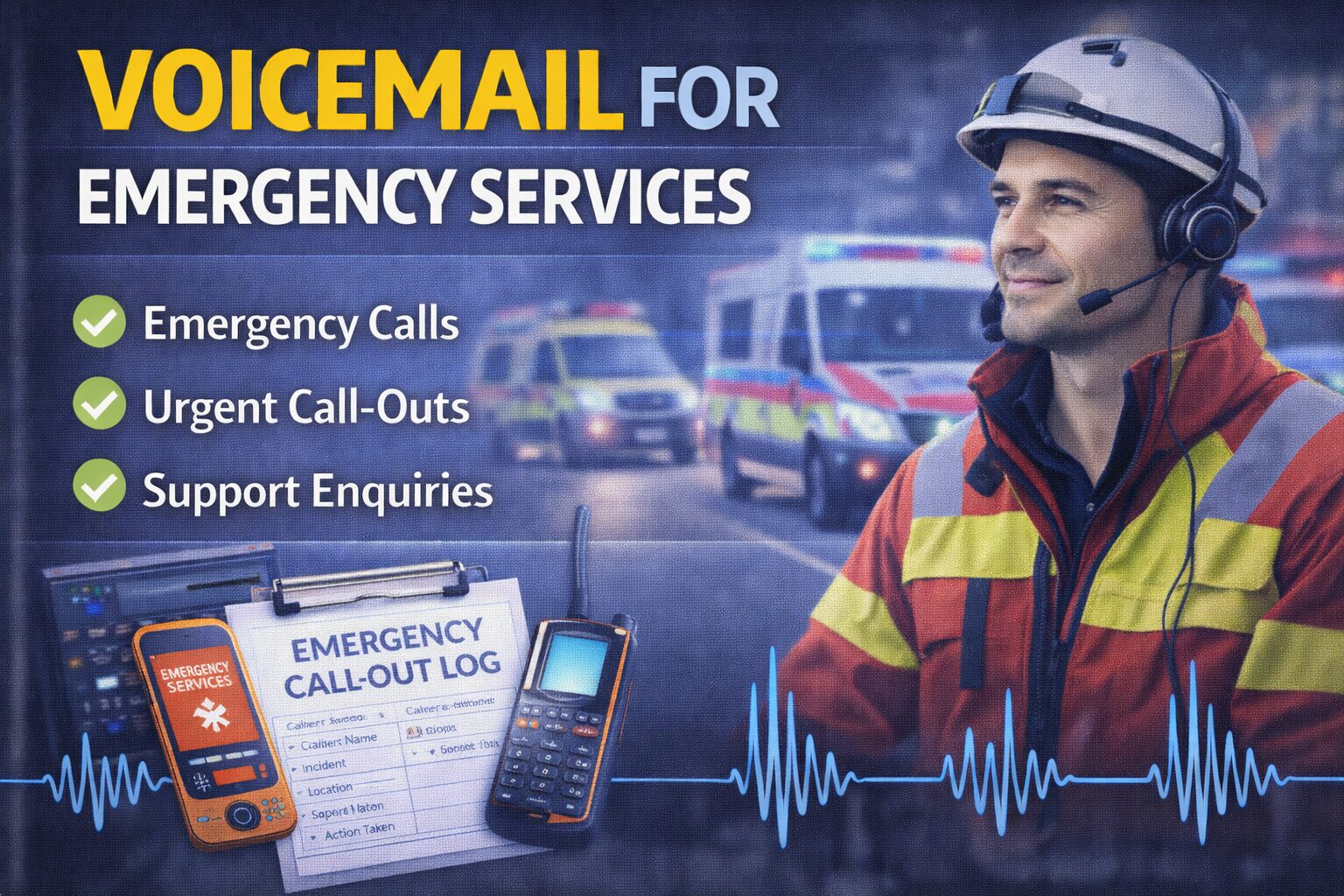










Explore Related Zendesk Talk Voice Prompt Services
Zendesk Talk integrates cloud telephony with customer support, making professionally recorded voice prompts an essential part of delivering a seamless caller experience. From welcome greetings and IVR menus to queue announcements and automated routing, broadcast-quality recordings help create a consistent and reassuring customer journey. Explore these related contact centre voice over services.
Voice Over for Contact Centres
Professional voice recordings for contact centres, customer service teams and enterprise communications.
Learn more →
https://spencercork.co.uk/voice-over-for-contact-centres/
Voice Over for Cloud Telephony
Professional recordings for hosted PBX systems, cloud communications and business telephone platforms.
Learn more →
https://spencercork.co.uk/voice-over-for-cloud-telephony/
Voice Over for Telephone Systems and IVR
Professional recordings for IVR menus, intelligent call routing and automated attendants.
Learn more →
https://spencercork.co.uk/voice-over-for-telephone-systems-and-ivr/
Voice Over for Auto Attendants
Professional auto attendant recordings that provide callers with a clear, welcoming and professional experience.
Learn more →
https://spencercork.co.uk/voice-over-for-auto-attendants/
Voice Over for VoIP Phone Systems
Professional voice recordings for VoIP business communications, hosted telephony and cloud-based phone systems.
Learn more →
https://spencercork.co.uk/voice-over-for-voip-phone-systems/
Talkdesk Voice Prompts
Professional recordings for Talkdesk cloud contact centres, AI-assisted customer service and enterprise communications.
Learn more →
https://spencercork.co.uk/contact-centre-platforms-talkdesk-voice-prompts/
Freshworks Contact Center Voice Prompts
Professional voice recordings for Freshworks contact centre deployments, intelligent IVR and customer engagement.
Learn more →
https://spencercork.co.uk/contact-centre-platforms-freshworks-contact-center-voice-prompts/
Amazon Connect Voice Prompts
Professional recordings for Amazon Connect cloud contact centres, intelligent call routing and enterprise customer communications.
Learn more →
https://spencercork.co.uk/contact-centre-platforms-amazon-connect-voice-prompts/
Voice Over Artist UK
Discover Spencer Cork's professional British voice over services for Zendesk Talk, cloud customer service platforms and enterprise communications.
Learn more →
https://spencercork.co.uk/voice-over-artist-uk/
British Voice Over
Professional British voice over services trusted by organisations implementing cloud contact centre technology throughout the UK and internationally.
Learn more →
https://spencercork.co.uk/british-voice-over/
Continue Exploring Zendesk Talk Voice Prompt Services
Professionally recorded Zendesk Talk voice prompts help businesses deliver a consistent, efficient and professional customer experience from the very first call. Whether you're launching a new Zendesk Talk environment, updating IVR prompts or improving automated customer communications, broadcast-quality recordings reinforce your brand while making every customer interaction easier to navigate. Continue exploring the Zendesk Talk Voice Prompts page to discover additional contact centre voice over services, cloud communication solutions and professional British voice over expertise.